

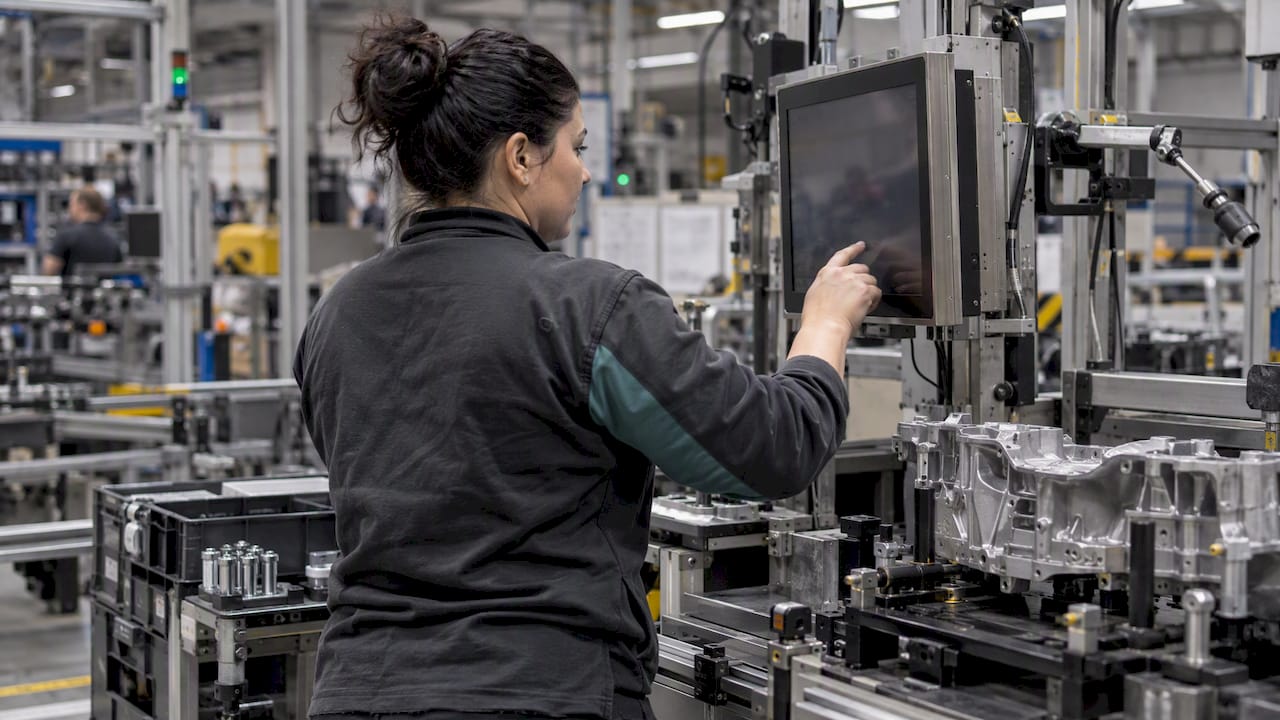
A digital work order is a production order that lives in software instead of on paper. It is created, released, executed, confirmed and closed in one system, and every status change is visible as it happens. For a Slovenian plant, the practical result is simple: planners, supervisors and operators work from the same current information, and nobody retypes figures at the end of a shift.
This guide is written for plant managers, production supervisors and automation engineers. It explains what a digital work order should contain, where the data comes from, how to start without a plant-wide overhaul, and what to avoid.
Many plants start by putting the paper form on a tablet. That is a useful first step, but it moves the problem rather than solving it. A paper work order has three weaknesses that a PDF does not fix:
A proper digital work order is a record in a shared system. It carries the product, quantity, routing, materials, instructions and target times. As work progresses, it collects actual start and stop times, produced and rejected quantities, stoppage reasons and quality checks. Supervisors see all of this live, and planners can react the same hour.
| Element | What it holds | Why it matters |
|---|---|---|
| Header | Order number, product, quantity, due date, priority | One agreed definition of the job |
| Routing and operations | Sequence of steps, assigned machine or station | Shows where the job is at any moment |
| Materials | Components, batches, quantities | Supports traceability and stock accuracy |
| Instructions | Drawings, setup sheets, work instructions | Operators always see the current revision |
| Actuals | Start and stop times, good and scrap counts | Basis for OEE, cost and delivery reliability |
| Stoppages | Reason codes, duration | Feeds downtime analysis and Pareto charts |
| Quality | Checks, measurements, deviations | Catches problems at the station, not at final inspection |
| Approvals | Who confirmed what, and when | Gives you an audit trail |
Manufacturing is a core part of the Slovenian economy, and recent months have been uneven. The Institute of Macroeconomic Analysis and Development reports that manufacturing output fell by 1.1% in the first ten months of 2025 compared with the same period of 2024. When volumes are flat or falling, margin has to come from efficiency: less waiting, less scrap, fewer unplanned stoppages.
The European Commission’s 2026 Digital Decade country report for Slovenia notes strong connectivity and a good position in strategic technologies. The same wider picture shows that small and medium-sized companies are slower to adopt basic digital tools and data analytics. Digital work orders are one of the most accessible places to close that gap, because the process already exists in every plant. You are changing how it is recorded, not inventing something new.
The national strategy for the digital transformation of the economy frames the move to Industry 4.0 as a route to more customised, higher value-added products. Paper-based processes struggle to support that kind of variety, since every variant means another set of documents to keep consistent.
If you walk the shop floor with a paper order, the losses are usually in the same places:
Each of these is a data problem before it is a people problem. The remedy is to capture the right data at the right moment, with the least effort from the operator.
There are three practical routes, and most plants use a mix.
Where a machine has a modern controller, the system can read cycle counts, run states and alarms directly. This gives the most accurate times and counts, and no operator input is needed. It is the approach we recommend wherever it is possible.
For manual operations, such as assembly, packing and inspection, operators confirm steps by scanning a barcode or QR code on the order, or by pressing a large button on a touch screen. Keep typing to a minimum. Design for gloves, noise and shift changes.
A machine from the 1990s can still take part. External sensors can detect when it runs and stops, and a simple terminal beside it can ask the operator for a stoppage reason in one tap. Do not wait for equipment replacement before you start. Expecting perfect automation from day one is a common reason projects stall.
A digital system is only as useful as the definitions behind it. If one shift records a changeover as downtime and another records it as planned time, your dashboard will mislead you.
The ISO 22400 series describes key performance indicators for manufacturing operations management and how they are determined from collected data. You do not need to adopt every KPI. Use it to agree on definitions: what counts as run time, what counts as scrap, how a stoppage is classified. Our own guides on how to select effective production KPIs and on productivity KPIs can help you shortlist a first set.
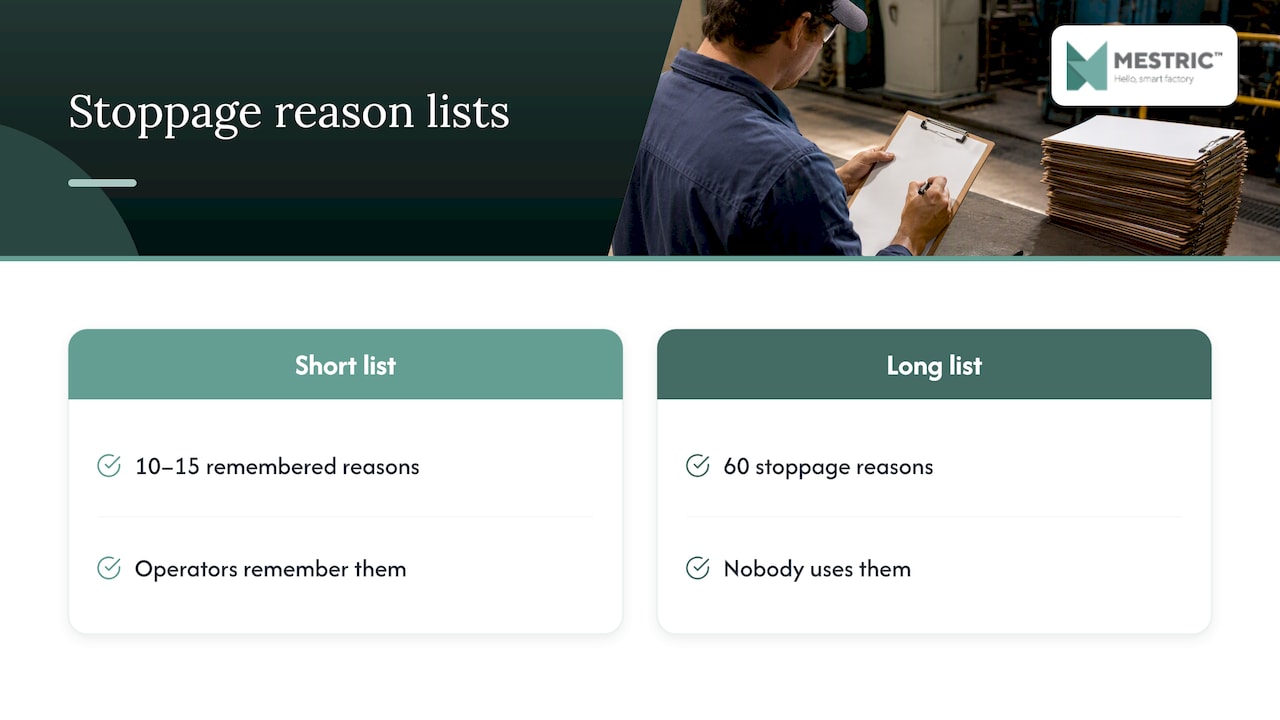
A short list of reason codes works better than a long one. Ten to fifteen stoppage reasons that operators remember are worth more than sixty that nobody uses.
Plant-wide changes tend to lose momentum. A targeted start builds evidence and support among operators and management alike.
Our page on digital work instructions describes how to prove the approach on the shop floor in four to six weeks, which suits this kind of staged start.
Software that works in a meeting room can fail at the machine. Keep these points in mind:
Digital orders make quality and compliance easier to demonstrate. Each order keeps a history: who released it, who worked on it, which instruction revision was shown, what was measured, who approved it and when. For plants working under quality management systems such as ISO 9001, this replaces searching through folders with a single record. Check with your certification body what evidence it expects in your case.
Quality data also becomes usable earlier. When measurements are recorded at the station, a trend can be spotted while the batch is still running. See our overview of production quality monitoring and the quality KPIs we use as examples.
The ERP remains the system for finance, purchasing, sales orders and master data. It usually issues the production order. What it does not do well is follow the order minute by minute on the shop floor. That is the role of a Manufacturing Execution System.
| ERP | MES | |
|---|---|---|
| Main focus | Business planning and accounting | Execution on the shop floor |
| Time resolution | Daily or per shift, often after the fact | Real time |
| Data source | Manual entry, imports | Machines, stations, operators |
| Typical output | Costs, stock, orders | OEE, downtime, quality, live order status |
The two work together: the ERP passes the order down, and the MES passes actual results back. If you want to see the difference in more depth, read MES vs traditional manufacturing and our overview of seven types of manufacturing software.
We see the same pattern in plants that begin with digital work orders. The form is rarely the hard part. The hard part is deciding what a stoppage is, who confirms a step, and what happens when the data shows a problem.
We built Mestric around three convictions. First, data should come from the equipment wherever possible, because manual entry will always be late and uneven. Second, the people on the floor should see value in the screen, not only the office. Third, an order should feed live KPIs such as performance, downtime, quality parameters and cost, so that managers can act during the shift rather than review a report next month.
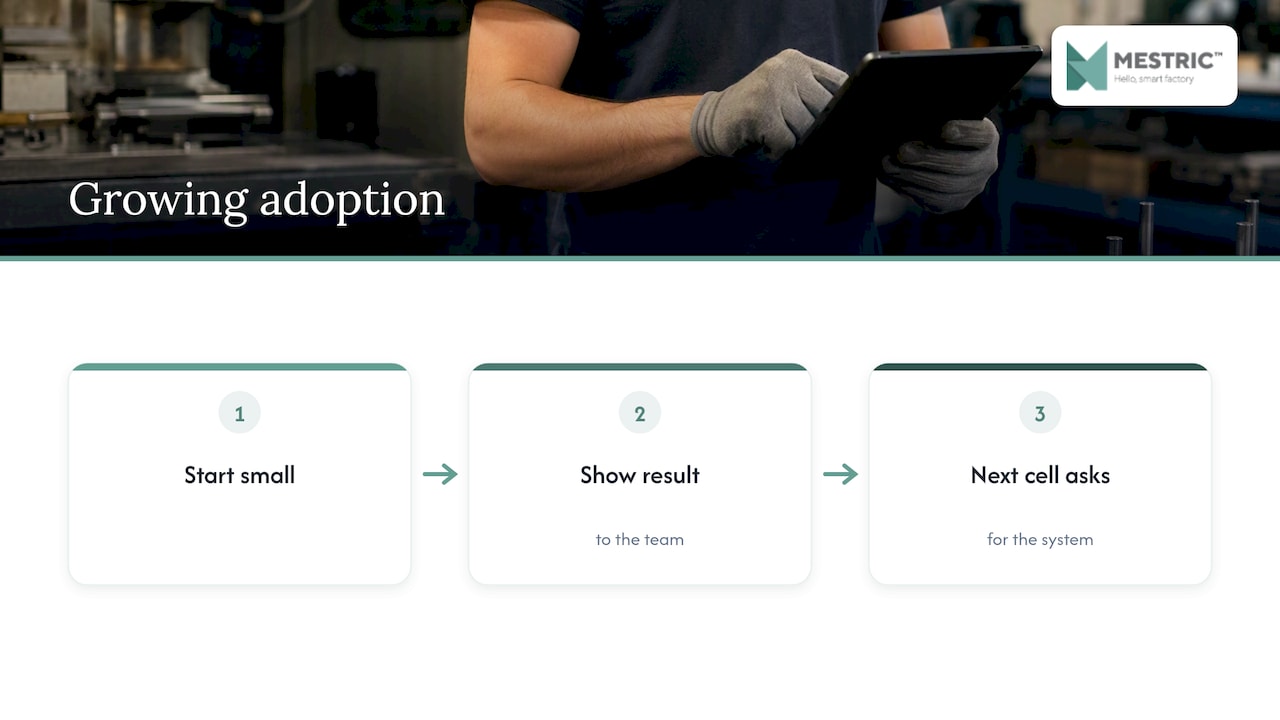
Our advice is to resist digitising the paper process exactly as it is. Use the move to remove steps nobody needs, and to capture the few facts that explain your losses. Start small, show a result to the team, and let the next cell ask for the system.
— Andraž
Mestric™ MES connects directly with production equipment and shows performance, downtime, quality parameters and cost analysis in real time, with AI-supported optimisation tools. We offer a demonstration at our demo centre, where you can see connected machinery in a production setting. Pricing is not published, so the best next step is a conversation about your lines. Read more about the Mestric™ MES solution, or see how real-time performance tracking works in practice.
Track a small set for the first three months:
For a wider view, see our notes on advanced manufacturing metrics and productivity analytics step by step.
A scanned form is still a static document. A digital work order is a live record with statuses, time stamps, linked instructions and data from machines or stations. It can be filtered, analysed and acted on during production.
No. Newer controllers can be read directly, but older machines can be covered with barcode or QR scans, touch terminals or external sensors. Start with what you have and improve the capture method over time.
That depends on the number of machines, the state of your master data and how many systems you connect. A single cell is a realistic first scope, and we describe a four to six week proof on the shop floor on our digital work instructions page.
No. The ERP continues to handle planning, purchasing, finance and master data. The digital work order and the MES handle execution on the floor and return actual times, quantities and quality results to the ERP.


 069 763 552