

Selecting a manufacturing execution system that genuinely synchronises live shop floor data, integrates inventory and ERP, and adapts to complex production cycles is harder than procurement teams expect. Many MES vendors either push time-consuming customisation, hide costs behind consulting workshops or tie rapid rollout claims to limited functionality that falls short in real world deployments. This comparison outlines deployment speed, integration scope and machine connectivity across six alternatives so you can match the right MES to your factory’s process and compliance needs without committing blind.
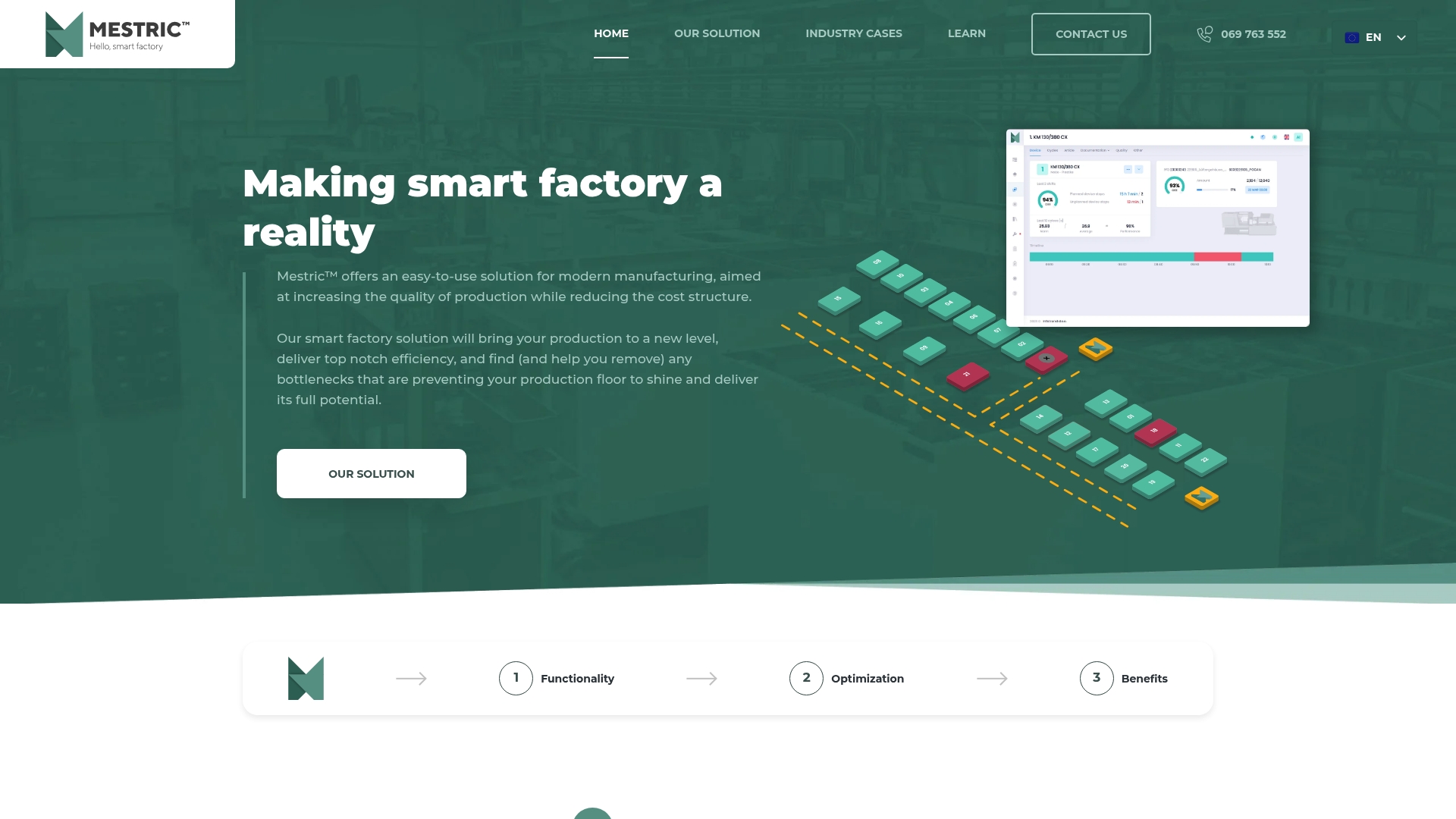
Connects directly to plant equipment to surface KPIs such as downtime, quality parameters and utilisation in real time, turning raw machine signals into actionable dashboards. The vendor positions the product as an easy to use MES with AI powered analytics for predictive maintenance and anomaly detection.
All-in-one, customisable platform that combines direct equipment connectivity with AI powered predictive analytics while offering out of the box integration points for ERP systems. That combination is pitched as a single solution for monitoring, planning and maintenance rather than a collection of point tools.
Enables proactive decisions with live data so supervisors spend less time hunting for root causes and more time assigning corrective work.
Improves production quality and reduces waste by tracking quality metrics at machine level and raising alerts when trends deviate from set tolerances.
Customisable and scalable to different factory footprints, which helps plants with mixed automation levels move to the same monitoring standard across lines.
Integrates with existing enterprise systems such as ERP, letting teams reconcile production events with costs and material flows without manual spreadsheets.
Supports comprehensive monitoring and analytics that translate machine events into work orders, yielding clearer maintenance queues for technicians.
Plant managers and production engineers who want a single system that joins equipment telemetry, planning and predictive maintenance. Best for factories prepared to invest in device connectivity and a short implementation phase rather than teams seeking a zero touch, cloud only experiment.
Direct machine connectivity plus AI powered predictive maintenance converts live signals into scheduled corrective work and planning inputs. That mechanics first approach reduces firefighting because the system converts noisy telemetry into prioritised actions and visible KPIs for both operations and maintenance.
A plastics manufacturer in Slovenia used Mestric to monitor about 24 machines, which the vendor reports led to reduced downtime and improved product quality. The deployment linked machine alarms to maintenance work orders and fed actual uptime into planning meetings, shortening decision cycles on the shop floor.
The vendor does not publish list pricing. Pricing is likely customised by deployment size, feature scope and the level of ERP or PLC integration required, so expect a proposal after a technical scoping session or an on site demonstration.
Website: https://mestric.com
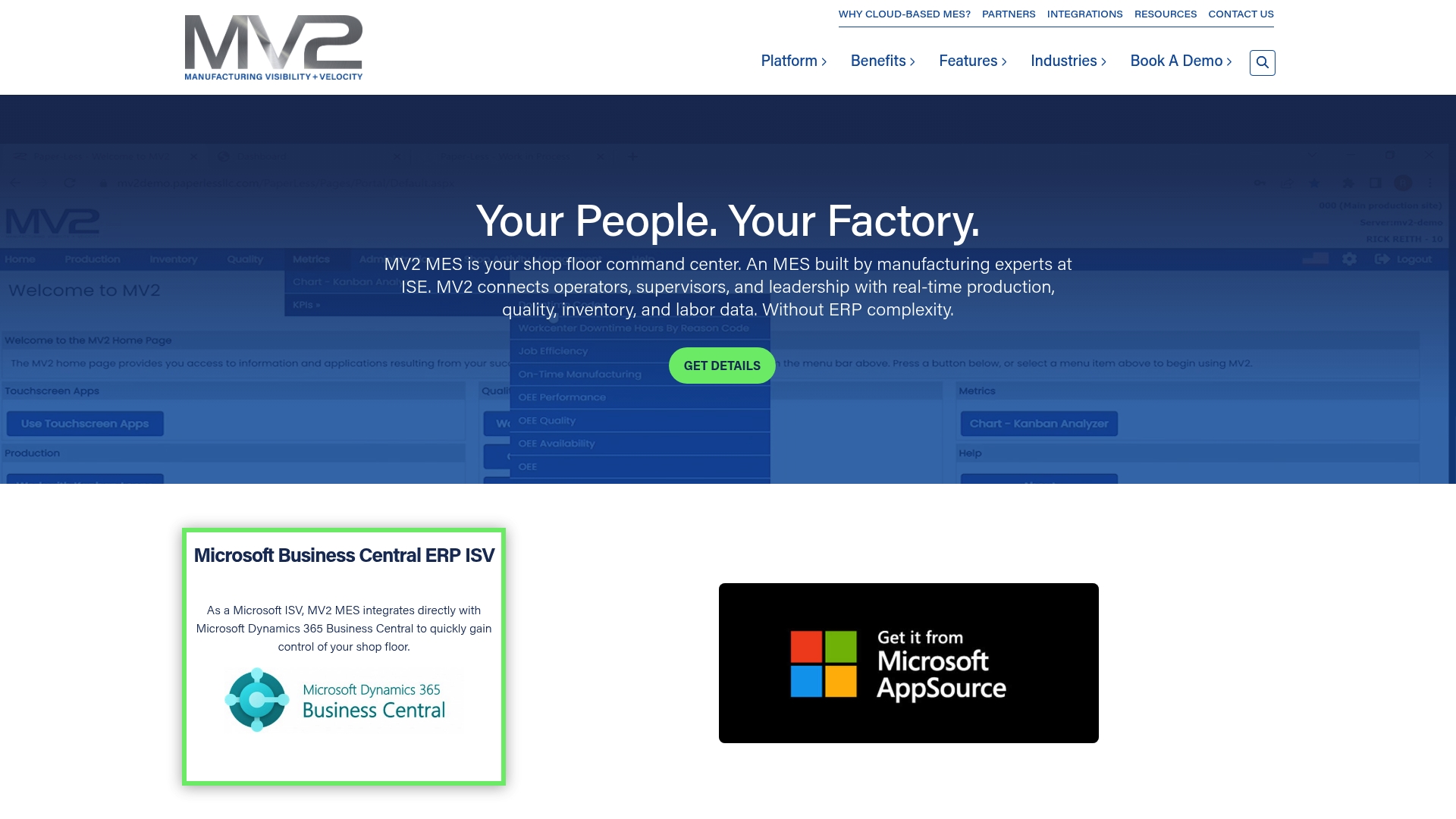
Pre-built integration with Microsoft Dynamics 365 Business Central is the most specific detail here; MV2 MES positions that connector as a path to faster deployment and live ERP synchronisation. The product targets shops that already run Microsoft stacks and want shop floor data piped into finance and planning systems.
Real-time production tracking and management that shows active orders, status, and throughput on the shop floor.
Quality control tools and testing management including traceability by serial number and pass fail workflows for inspections.
Resource and labour management with attendance tracking and digital Kanban for work sequencing.
Machine data collection and Industry 4.0 capabilities to capture OEE inputs and feed KPIs for data driven decisions.
The standout angle is the pre-built connector to Microsoft Dynamics 365 Business Central which the vendor highlights for rapid two-way synchronisation between ERP and shop floor. That focus makes MV2 MES a practical choice when ERP integration time is a gating issue, especially where Microsoft ERP is already central to operations.
Real-time visibility across production, quality, inventory and labour reduces dependence on paper and spreadsheets on the shop floor.
Seamless integration with Microsoft Dynamics removes lengthy custom ERP projects and shortens the path from pilot to live data exchange.
Cloud based deployment supports multi-site rollouts and lets IT avoid heavy on-prem infrastructure for data collection.
Industry agnostic design adapts to metalwork, aerospace, automotive and similar manufacturing workflows without a vertical rewrite.
The platform consolidates production, quality and inventory controls in one place so managers see end-to-end status without piecing reports together.
Public documentation gives limited detail on user interface complexity; you may not know the day to day UX until trial or demo.
Customisation options beyond the standard integrations are not well published, so deep bespoke workflows may require vendor involvement.
Shop floor staff unfamiliar with digital MES will face a learning curve; expect trainer-led onboarding during initial rollout.
If your factory runs a non-Microsoft ERP landscape and you need out of the box connectors to niche ERPs, MV2 MES may demand additional custom work. If you require highly bespoke process automation documented up front, the lack of published customisation detail is a risk. Very small workshops with minimal IT support may find onboarding heavier than they want.
Microsoft Dynamics 365 Business Central for financial and inventory synchronisation.
Microsoft Dynamics for broader Dynamics family connectivity.
Infor ERP as an alternative ERP integration option.
Manufacturers and production managers who want to digitise shop floor data and tie it directly into an existing ERP, particularly those already invested in Microsoft Dynamics. Suits multi-shift plants that need attendance, serial traceability and inventory accuracy across sites.
According to the vendor, a metals plant integrated MV2 MES with their ERP and reported a 27% reduction in scrap while improving throughput. That example illustrates how live quality gates and serial tracking can close loops between inspection results and production adjustments.
The vendor lists pricing as not applicable and treats cost as informational only. Contact MV2 Software for a tailored quote and to discuss licensing, cloud deployment and any integration services required.
Website: https://mv2software.com
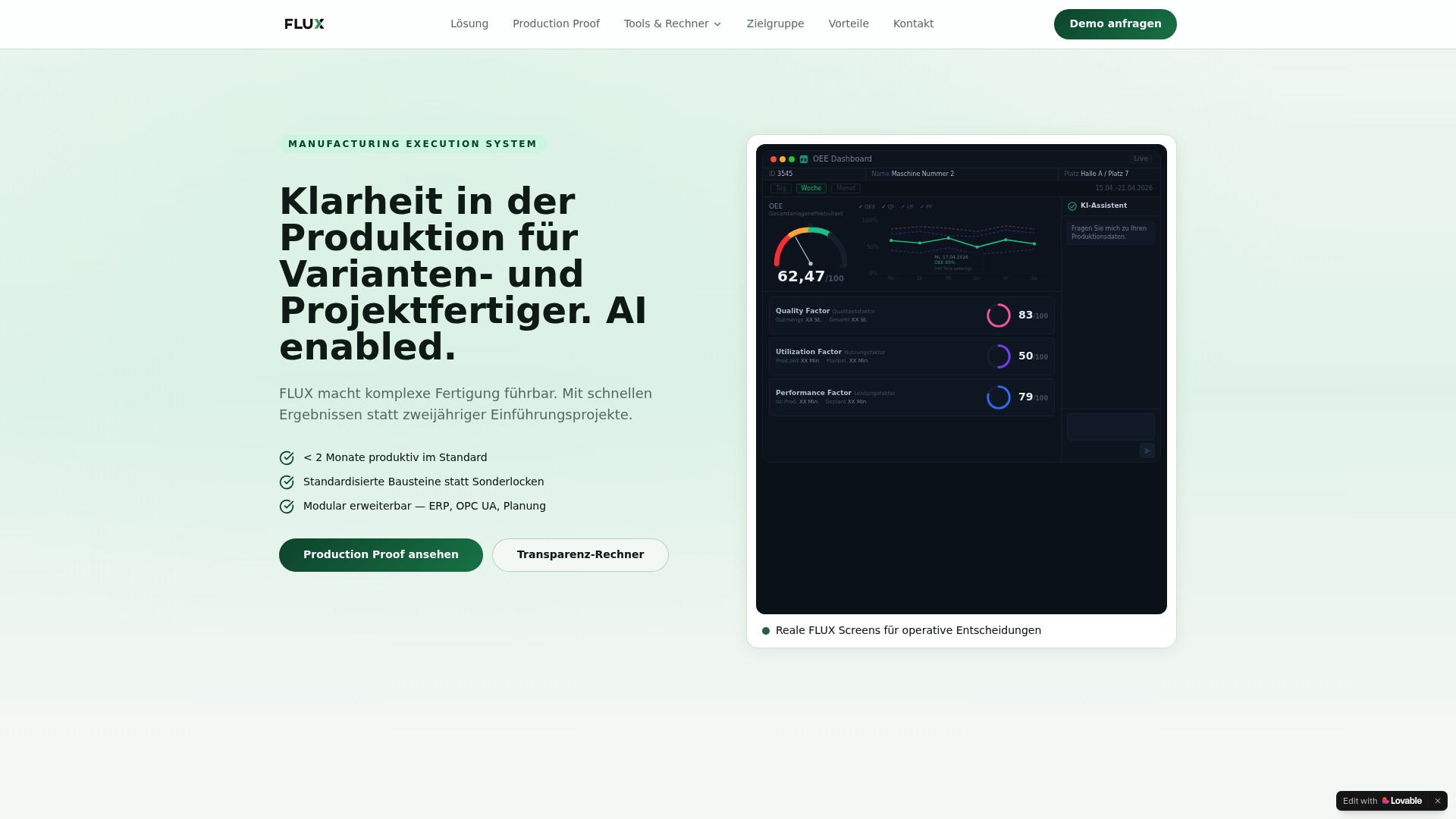
The vendor advertises rapid standard implementation in less than two months, backed by a pre-implementation pilot called a Production Proof to validate results. FLUX targets medium-sized manufacturers with variant-rich, project-based production and aims to give visible production transparency quickly.
FLUX’s standout claim is its natural language workflow description supported by AI, which lets non‑IT staff codify real processes quickly. That approach shifts effort from modelling to validating real shop floor behaviour.
By lowering the barrier to create and change workflows, the system shortens the feedback loop between the production line and planners, speeding practical improvements.
If your factory runs continuous, highly automated processes with fewer discrete variants, FLUX will probably not match your needs. The expectation of tidy ERP master data means brownfield sites with poor data will face extra preparatory work.
These connectors cover standard shop floor telemety and the typical ERP handshake used in project manufacturing environments.
Medium-sized manufacturers that build machines, assemblies or project‑based products and who already keep structured ERP data. Teams that want a fast pilot and operator-level workflow control will gain most.
A machine builder ran the Production Proof to digitalise assembly workflows, capture downtime events and surface hidden costs. Within months the team identified recurring fixture issues and reduced unplanned stoppages by reorganising shifts and tasks.
Pilot projects are quoted between €5,000 and €10,000 depending on scope, with subsequent licensing and integration fees agreed after the pilot demonstrates required coverage.
Website: https://flux-mes.de
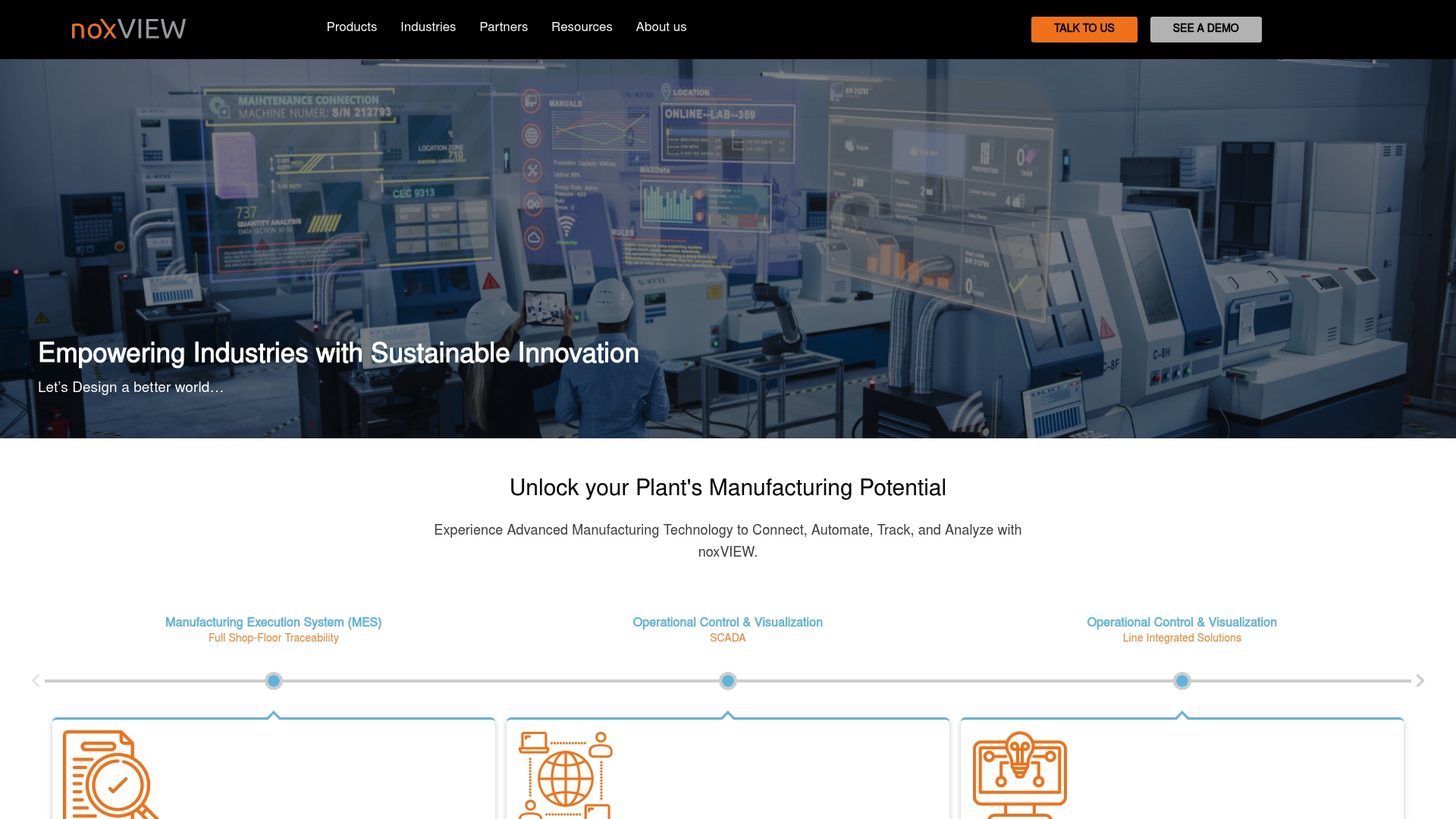
The vendor reports 99.99%+ uptime, a figure that frames NoxVIEW as suitable for continuous production environments where downtime costs are high. The suite combines MES, MPM, SCADA and energy management into a single offering aimed at regulated industries.
NoxVIEW delivers modular Industry 4.0 and IIOT capabilities that link shop floor devices with plant dashboards.
NoxVIEW’s angle is an integrated digital transformation stack that explicitly combines compliance and sustainability with operational control. Compared with Mestric, NoxVIEW tilts toward regulated and energy conscious plants where traceability and environmental reporting are primary concerns.
The uptime claim above gives confidence for 24 7 manufacturing operations where continuous availability is non negotiable.
Rapid deployment is reported through adaptable modules, which helps staged roll outs across multiple lines rather than a single big bang project.
The vendor states support for regulatory regimes such as FDA and 21 CFR Part 11, which matters for pharma and medical device manufacturers with audit demands.
Energy management features let operations tie production metrics to consumption, useful when energy costs are a material line item on the P and L.
Industry adoption across pharma, automotive, FMCG and energy sectors shows a cross sector footprint in customers, according to vendor materials.
Third party reviewers flag integration complexity for smaller operations, so inhouse IT or a systems integrator is often required for full implementation.
Pricing and licensing are not publicly available, which makes initial budget planning harder for procurement teams.
There is no clear public information on AI driven predictive analytics, so advanced forecasting capabilities may be limited or require additional modules.
The vendor offers limited public detail on scalability for extremely large or highly complex estates, leaving questions for global roll outs.
If your factory lacks dedicated IT or OT resource, NoxVIEW can feel heavyweight; the product often requires technical expertise for custom integrations. Small craft manufacturers or pilot lines looking for a lightweight entry point will likely find it over specified.
NoxVIEW suits manufacturing organisations aiming for Industry 4.0 adoption where compliance, traceability and energy management are priorities. If your operation must meet regulatory audit trails and environmental reporting, this product is a closer match than generalist MES tools.
An automotive manufacturer implemented NoxVIEW MES and SCADA to monitor production efficiency and maintain regulatory documentation. The same deployment tied into energy management to reduce peak demand and provide data for sustainability reporting across multiple lines.
Pricing is not published; the vendor treats costs as informational only and provides quotes on request. Expect project based licensing and services estimates to reflect integration scope and module selection.
Website: https://noxview.com
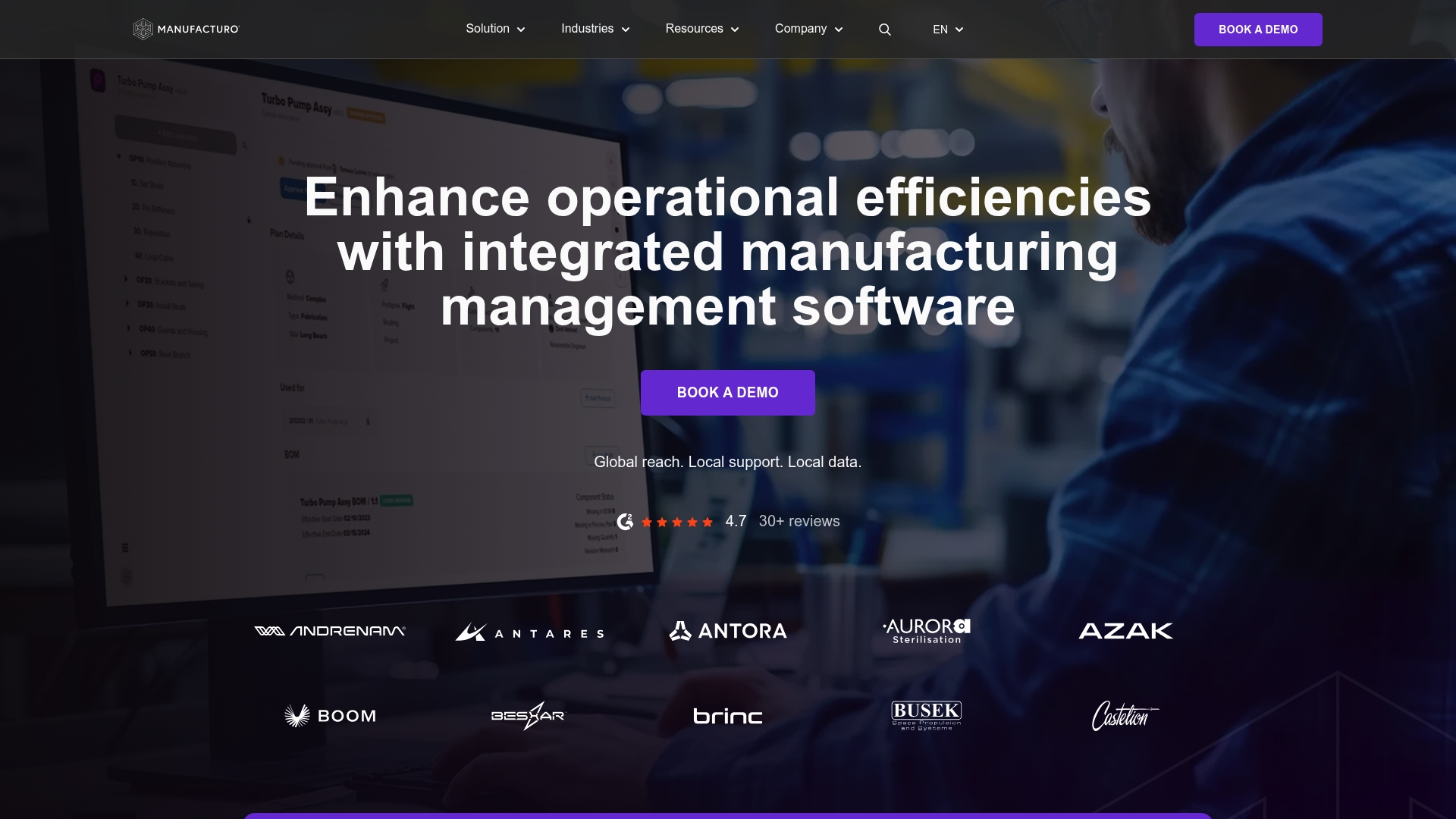
The vendor advertises that most system integrations roll out in 2 to 12 weeks, a claim that positions Manufacturo for projects with tight go-live schedules. The product targets aerospace, defence, energy and other high-tech manufacturers needing strict traceability and documented quality control.
Manufacturo’s API-first modular architecture is designed for rapid, scalable system connections. That design lets engineering teams stitch ERP, PLM and telemetry into a single data plane without rebuilding core workflows, which suits high-mix, high-complexity production environments.
If your organisation lacks an IT team or change management capacity, Manufacturo’s implementation demands may slow progress. Likewise, small shops with single-line production and limited traceability needs will likely find the platform more complex than necessary.
Manufacturo lists native and supported connectors to mainstream enterprise systems and engineering tools. Key integrations include:
Manufacturers in aerospace, defence, energy and other high-tech sectors that require enterprise-grade control over production, quality and traceability. Best suited to organisations with cross-functional IT and operations teams prepared to manage an integration programme.
Manufacturo was selected by Hermeus to manage complex vehicle build processes and high-fidelity traceability. The deployment illustrates how the platform captures assembly genealogy and quality evidence across multi-stage builds.
Pricing is not published and appears customised by scope and deployment complexity. Expect enterprise negotiation, line-item costs for integrations and professional services, and a pricing model tied to implementation scale and support requirements.
Website: https://manufacturo.com
The vendor advertises deployment in under 12 weeks for typical sites, a claim aimed at speeding pilots and reducing downtime during rollout. LynqMES positions itself as an industry-specific, configurable MES that can run in the cloud or on-premise and focuses on connectivity and rapid start-up.
LynqMES targets manufacturers that need industry-specific configuration rather than a one-size-fits-all tool. Its strength is the combination of prebuilt industry workflows for sectors such as metal fabrication and plastics and broad ERP and machine connectivity, which supports larger or heterogeneous production environments more than lightweight MES alternatives.
If you run a very small, single line factory with no internal IT or systems integrator the implementation effort and configuration may outweigh the benefits. Organisations that need immediate plug and play with minimal setup should evaluate simpler shop floor tools first. Sites with many bespoke legacy PLCs will face custom integration work.
LynqMES lists out of the box connectors for mainstream ERPs and some manufacturing suites. Key integrations include:
Medium to large manufacturers and construction firms that plan a formal digital transformation programme and have the internal capability to manage a configurable MES. Best for operations that value industry specific features and need strong ERP and machine level integration.
The vendor cites a metal fabrication plant that automated data collection, moved scheduling to the platform and used performance dashboards. According to the company that example reported monthly savings of $28,000 after reduced downtime and faster changeovers. That case shows where measurable operational savings can appear.
Pricing is not published and appears to be customised by deployment, industry and integration scope. Expect licence and implementation costs to vary with cloud versus on-premise choices, number of machines connected and any bespoke integration work.
Website: https://lynqmes.com
The implementation of a Manufacturing Execution System (MES) is for improving production workflows, ensuring quality, and optimising resource management in industrial operations. This analysis explores the distinctive features, strengths, and trade-offs of six competitors to guide decision-makers towards the most fitting solution for their specific requirements.
Mestric.com demonstrates an advantageous feature of real-time connectivity to shop floor equipment, translating operational data into meaningful insights through predictive models enriched by artificial intelligence. This real-time capability is not as prominently featured in alternatives such as MV2 MES, which focuses more on pre-built ERP connections, particularly with Microsoft Dynamics 365. Furthermore, Flux MES simplifies workflow customisation thanks to its AI-assisted natural language authoring, a feature beneficial for manufacturers prioritising minimal reliance on IT specialists for system changes.
When evaluating flexibility, Manufacturo presents an API-first approach, allowing adaptations to complex manufacturing processes. This property is especially suitable for industries like aerospace and defence, where high traceability is crucial. In contrast, lynqmes.com offers dual deployment modes—cloud and on-premise—enabling manufacturers to align the deployment with their infrastructure capabilities. However, the richer customisability often translates to a steeper initial learning curve for Manufacturo users compared to LynqMES’s modular yet full-featured setup.
Mestric.com stands out for its unique ability to directly integrate machinery telemetry with advanced artificial intelligence to drive predictive maintenance and operational efficiency. While this feature makes Mestric.com particularly effective, organisations with minimal implementation budgets or that rely on niche ERPs might find tailored alternatives more appropriate. For factories aiming to directly connect automation equipment with intelligent analytics, however, Mestric.com represents an indispensable edge in manufacturing execution.
When selecting a manufacturing execution system (MES), key factors such as integration capability, unique features, and practical user profiles are vital considerations.
| Product | Key Differentiator | Best For | Pricing | Notable Limitation |
|---|---|---|---|---|
| Mestric | Direct equipment links and AI-driven analytics | Factories investing in IoT connectivity | Not disclosed | Implementation complexity varies with legacy infrastructure integrations |
| MV2 MES | Pre-built integration with Microsoft Dynamics 365 | Microsoft-centric manufacturing environments | Not disclosed | Limited customisation details shared publicly |
| Flux MES | AI-supported natural language workflow authoring | Rapid implementation in medium-sized factories | €5,000–€10,000 for pilot | Ill-suited for continuous production industries |
| NoxVIEW | Combines MES, SCADA, energy management, and compliance | Regulated and energy-conscious production lines | Not disclosed | May require robust IT/OT resources for custom integrations |
| Manufacturo | API-first modular architecture for flexible scalability | High-tech, high-traceability sectors | Not disclosed | Requires significant user training for advanced features |
| LynqMES | Industry-specific configurable solutions | Medium to large diverse manufacturers | Not disclosed | Initial configuration effort can be complex |
Manufacturers looking beyond sinaproiiot.com alternatives often face challenges integrating real-time equipment data with actionable production insights. Mestric addresses these issues by connecting directly to plant machinery, providing live KPIs on downtime, quality, and utilisation powered by AI analytics. This digital platform helps eliminate guesswork in production planning and predictive maintenance, reducing costly downtime and improving product quality.
Experience the benefits of:
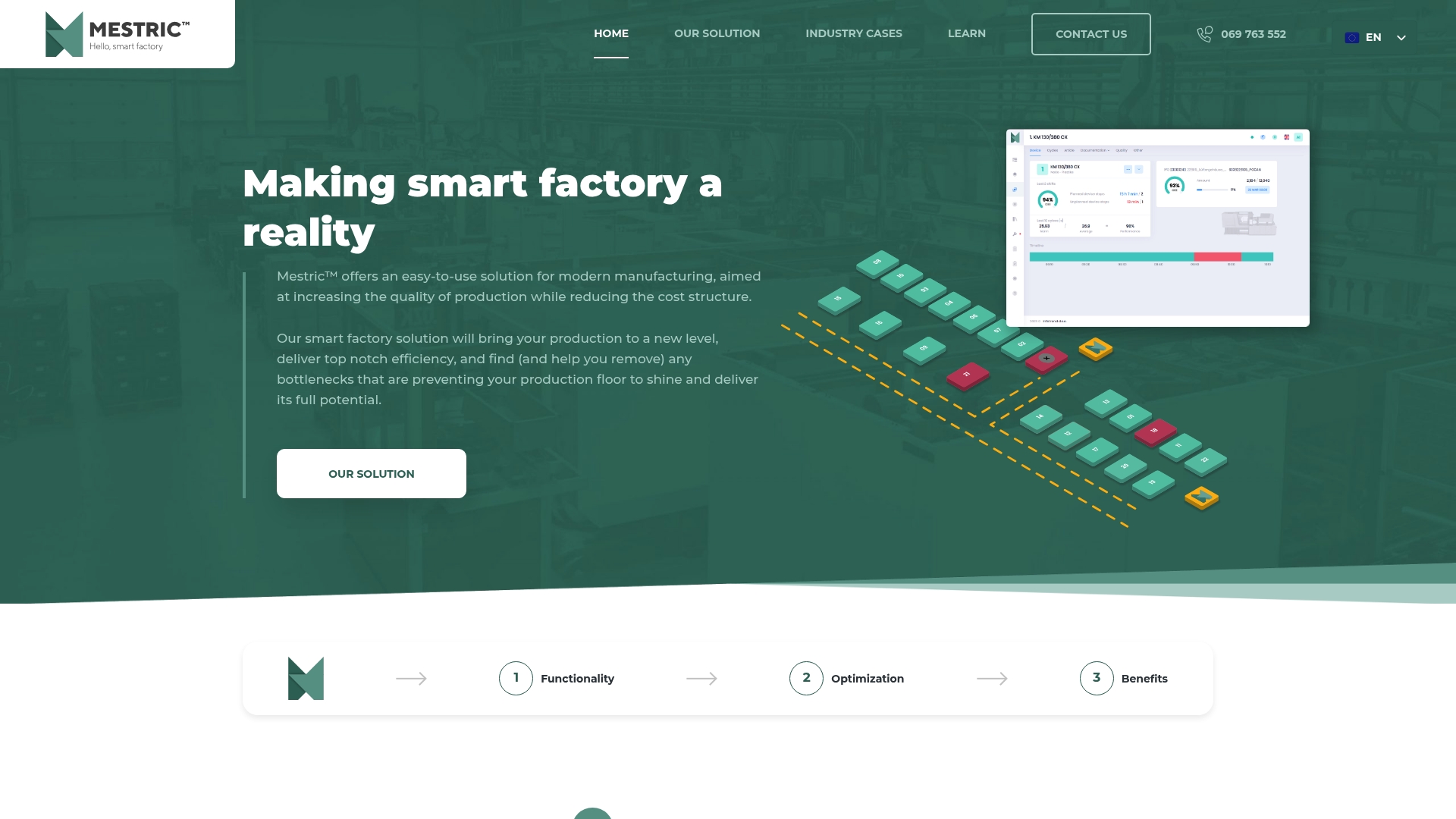
Take control of your manufacturing floor today with Mestric. Visit Mestric’s website to request an on-site demonstration and see how connected machine data can transform your operations with visible KPIs and prioritised corrective actions.
Mestric tracks quality metrics at machine level and raises alerts when trends deviate from set tolerances. This ensures that production quality standards are maintained effectively and allows for quicker corrective actions. Users can expect a significant reduction in wasted materials and improved overall quality in their manufacturing processes.
MV2 MES offers a pre-built connector to Microsoft Dynamics 365 Business Central, facilitating faster deployment and live ERP synchronisation. Mestric, while providing integration with ERP systems, primarily excels in monitoring and predictive maintenance, making it a better fit for those focusing on real-time performance tracking. Consider Mestric if your priority is monitoring plant equipment and addressing predictive maintenance needs.
Mestric incorporates AI models to flag likely maintenance issues before they disrupt production. This feature enables users to anticipate problems and optimise maintenance schedules proactively, contributing to reduced downtime. Factories looking to enhance their predictive maintenance practices should evaluate Mestric closely, as it directly aligns with these needs.
Mestric does not publish list pricing, as costs are likely customised based on factors like deployment size and feature scope. This means users can expect a tailored proposal after a thorough technical scoping session, which helps them understand the investment required based on their unique needs.
Mestric offers KPI tracking that encompasses quality, utilisation, and downtime metrics, allowing production managers to compare shifts and lines efficiently. This comprehensive tracking capability facilitates improved decision-making on the shop floor, ensuring managers have the data they need to optimise production.
The implementation complexity of Mestric can vary depending on legacy infrastructure and ERP integration needs, which may require involvement from controls engineers. Factories with outdated systems should prepare for potential hurdles during the onboarding process, ensuring they engage the necessary technical expertise for a smooth transition.


 069 763 552