

Manufacturing is changing faster than ever with new software making complex tasks more manageable. Every decision can shape how well processes run and how simple it is to react when problems arise. Choosing the right digital tools can make the difference between steady progress or constant delays. Imagine having everything at your fingertips to oversee work, improve quality, and keep things on track. The search for solutions that truly help production teams is more interesting than ever. Some tools promise easy automation, others help with deep analysis, and a few may offer unexpected ways to fine tune daily operations. So which options stand out and why are they gaining attention
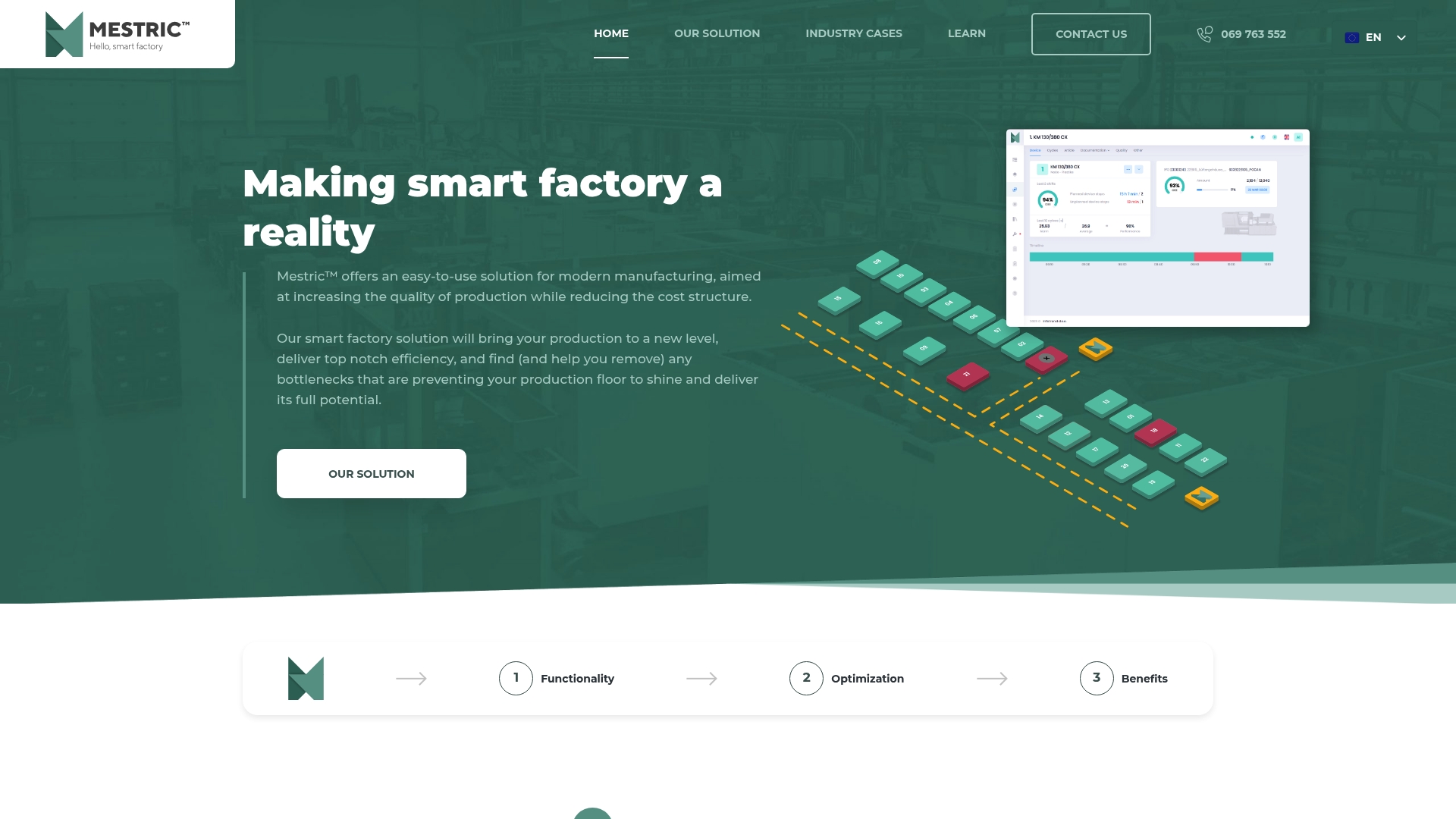
Mestric is the clear market leader for manufacturers who want top-tier operational control and measurable cost reductions. It combines an easy to use Manufacturing Execution System (MES) with powerful analytics so production managers get actionable insights in real time.
Mestric focuses on production quality, efficiency and cost control through a compact set of high value functions. It connects directly to machinery to surface KPIs and suggest corrective actions.
Mestric suits Manufacturers and Production Managers at mid to large companies who plan to implement or upgrade smart factory solutions. It is ideal for teams that need machine level visibility, QA rigour and cost clarity to hit tight margin targets.
Mestric outperforms competitors because it bundles an easy to use MES with real time performance tracking, integrated quality monitoring and AI powered optimisation so you do more than observe problems you fix them. Sophisticated buyers choose Mestric for measurable ROI drivers: fewer stoppages, faster root cause resolution, and clearer cost allocation across products and shifts. The platform’s direct machine connectivity and onsite demonstration option speed deployment and reduce doubt during procurement, which appeals to risk averse operations leaders.
A plastics moulding company connected roughly 20 machines to Mestric to monitor performance, improve quality and reduce operational costs. The rollout delivered faster defect detection, lower unplanned downtime and clearer cost per part reporting that supported pricing and capacity decisions.
Pricing is not specified on the website; Mestric offers an onsite demonstration so you can validate benefits and discuss implementation and licensing options tailored to your scale.
Website: https://mestric.com
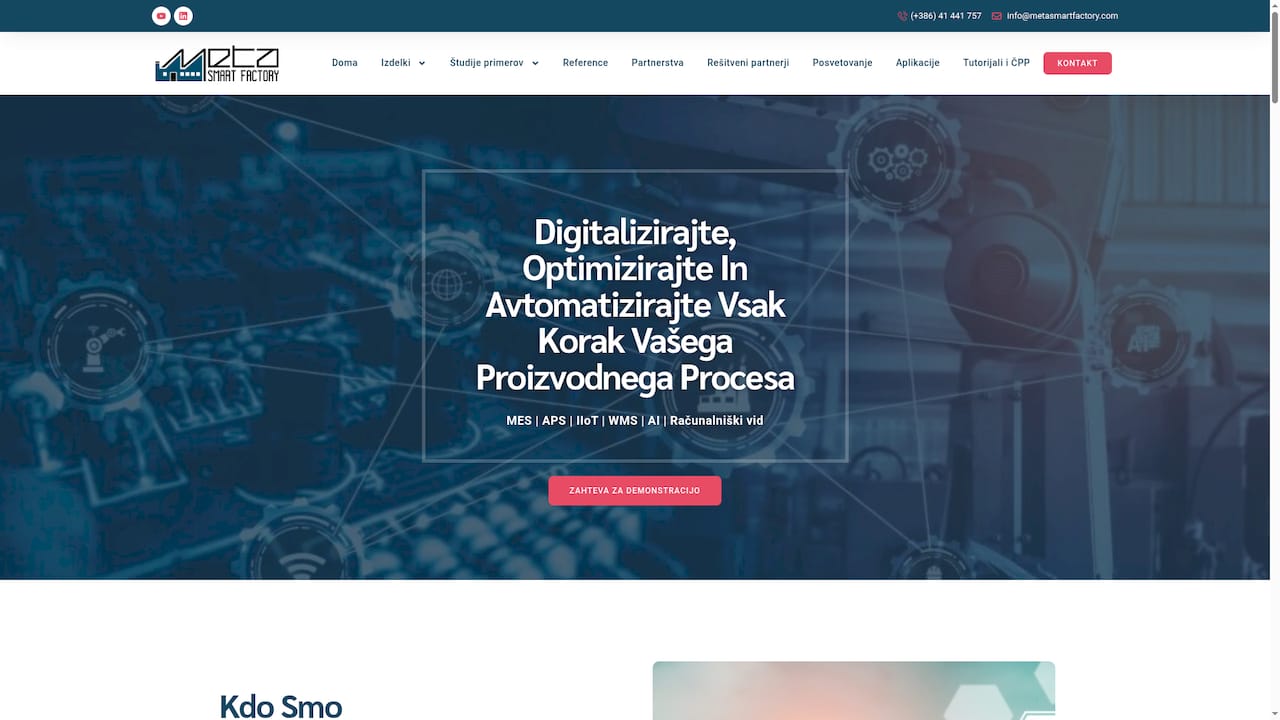
Meta Smart Factory offers a modular set of Industry 4.0 solutions aimed at closing the gap between IT and production. The offering emphasises customisable modules and fast proof of concept delivery to deliver measurable manufacturing gains.
MSF combines MES and APS with WMS, IIoT, AI and computer vision systems to cover shop floor execution and planning needs. The platform supports integration with ERP and other enterprise systems and provides rapid proof of concept development within three to six months.
Comprehensive coverage: The solution covers MES, APS, WMS, AI and computer vision in one portfolio which reduces the need for multiple vendors.
Industry 4.0 focus: The product is designed specifically for digital transformation projects which aligns with modern manufacturing priorities.
Customisable modules: You can implement modules incrementally which helps spread cost and risk across phases.
Experienced team: MSF provides consulting and professional support which helps translate technology into practical shop floor improvements.
Efficiency potential: The combined capabilities enable improvements in scheduling accuracy and waste reduction which can lower operating costs.
Pricing not disclosed: Specific pricing information is not provided which requires direct contact and makes upfront budgeting harder.
Implementation complexity: Integration effort will vary with legacy systems which can lengthen project timelines.
Unclear support details: The offering lacks detailed information on ongoing maintenance and service level coverage which complicates long term planning.
Meta Smart Factory suits manufacturing companies aiming to modernise and digitalise production through Industry 4.0 technologies. It is a good fit for organisations that have ERP systems already in place and need a partner to deploy MES, APS and WMS capabilities.
MSF combines rapid proof of concept delivery with a modular architecture which lets you test value before wider rollout. The combination of AI and computer vision with traditional execution and planning tools offers a single partner approach for digital transformation projects.
A manufacturer implements the MSF MES and APS modules to digitise shop floor operations and tighten planning windows. Over a defined programme the client improves scheduling accuracy, reduces scrap and shortens lead times which increases overall productivity and delivery reliability.
Pricing is not specified and requires direct contact to obtain a custom quote. Prepare system landscape details and expected scope before requesting a proposal to speed up the quotation process.
Website: https://metasmartfactory.si
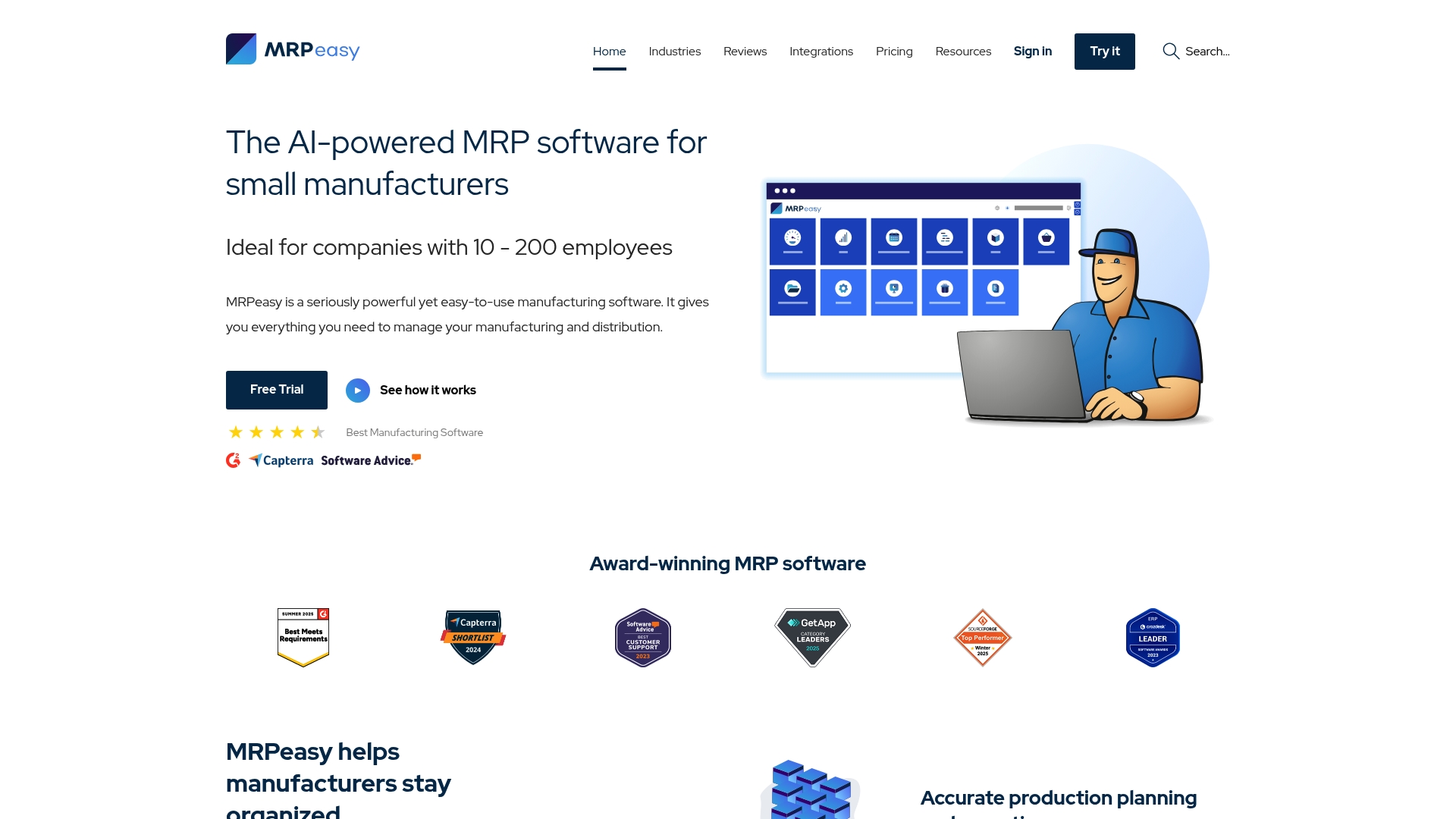
MRPeasy is a cloud based manufacturing system aimed at small manufacturers that need clearer production control and a unified view of inventory, sales and purchasing. It delivers practical tools for planning, reporting and on time delivery while remaining approachable for teams of 10 to 200 staff.
The platform centres on production planning and reporting alongside comprehensive inventory management and control. It also provides sales management and CRM, workforce planning, procurement with forecasting and supplier tools, finance functions such as real time stock balance and costing, plus system integrations and robust security including ISO 27001 and two factor authentication.
Cloud based accessibility for remote teams: Users can access the system from multiple sites which helps supervisors and planners work from the shop floor or from an office without local servers.
Comprehensive manufacturing and inventory tools: MRPeasy combines scheduling, bills of materials and stock control so planners spend less time reconciling spreadsheets.
Multiple integrations with popular platforms: The product links with ERP, accounting, CRM and e commerce systems to reduce double entry and keep records aligned.
Award winning support and features: Vendor support and continuous feature development shorten ramp up and help resolve production questions quickly.
Flexible pricing plans for different business sizes: Tiered plans and a free trial let you pilot the system before committing to a larger deployment.
Complex feature set may require training for new users: Small teams without dedicated IT or process owners will need time and support to use advanced modules effectively.
Pricing can be higher for large user bases: Costs scale with users which makes the platform less attractive for very large factories with hundreds of operators.
Primarily targeted at small manufacturing companies: Larger enterprises may find some advanced enterprise scale features missing compared with high end ERP suites.
MRPeasy suits manufacturing executives and operational managers at small to growing manufacturers with 10 to 200 employees who want a single cloud system for production, inventory and purchasing. It fits organisations relocating from spreadsheets or fragmented tools and looking to improve scheduling and delivery performance.
MRPeasy brings a compact but capable set of manufacturing ERP functions in a cloud based package that emphasises rapid deployment and practical shop floor control. Its combination of production planning, procurement forecasting and financial stock visibility makes it a pragmatic choice for businesses expanding operationally.
A small metal fabrication shop uses MRPeasy to coordinate daily production schedules, monitor inventory levels and manage customer orders. Integration with QuickBooks handles accounting and the result is tighter lead times, fewer stockouts and more reliable on time deliveries.
Plans start from $49 per user per month with options for more advanced features and Enterprise and Unlimited plans available at higher levels. A free trial is offered to evaluate fit before purchase.
Website: https://mrpeasy.com
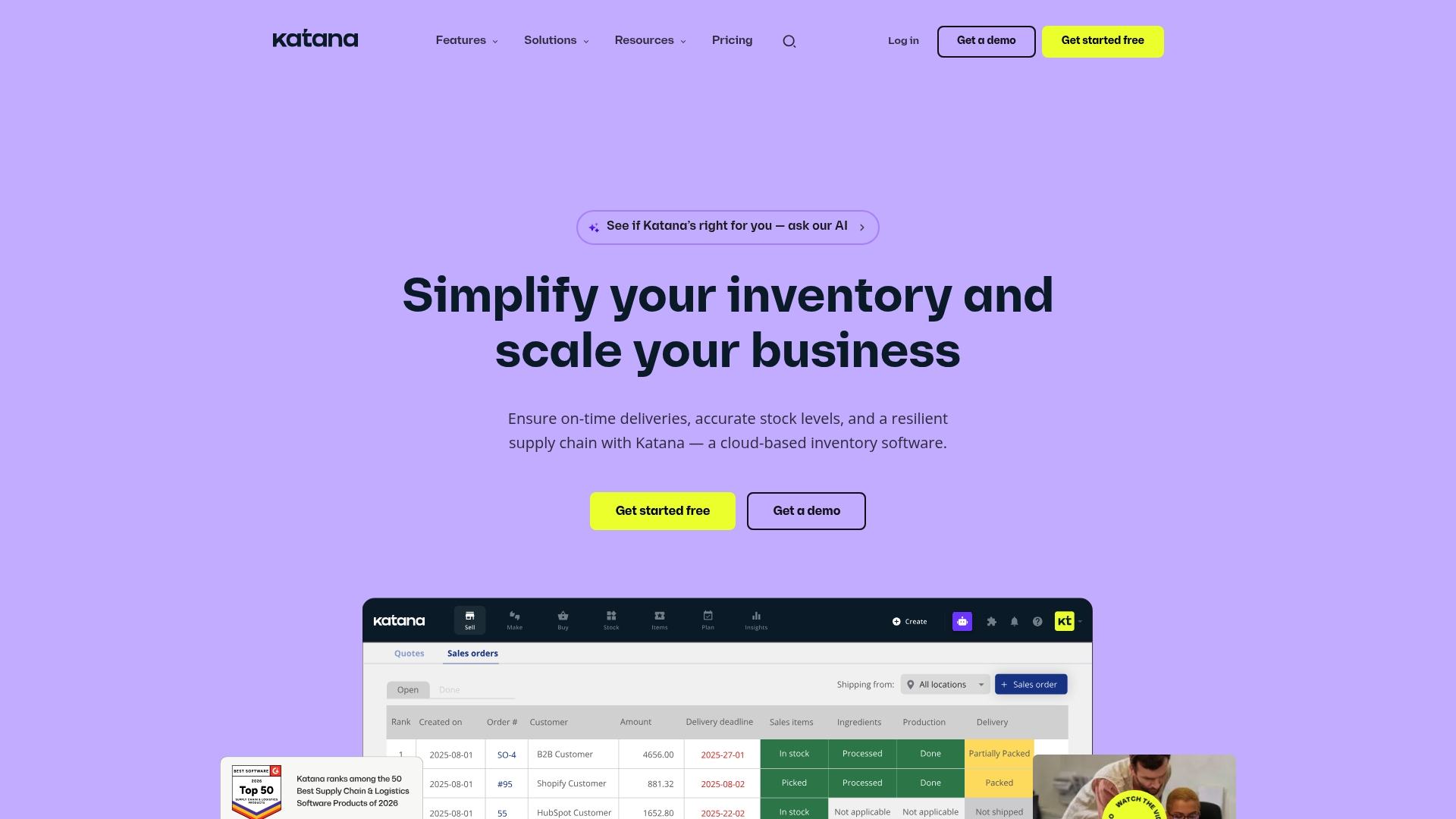
Katana is a cloud based inventory and production management platform that gives real time inventory visibility and clear production tracking for manufacturers. It aims to reduce manual errors and speed decision making for operations teams tracking multiple sites.
Katana suits growing manufacturers that need an integrated view of stock, production and orders without complex on premise infrastructure. Try a trial to validate workflows before full rollout.
Core functionality centres on inventory management, manufacturing work orders, purchasing, order management and warehousing. The platform delivers real time data insights and supports multi location tracking while connecting to ecommerce and accounting systems.
Katana also provides APIs and native connectors so production planners and finance teams operate from the same datasets, reducing reconciliation work and improving lead time forecasts.
Real time inventory visibility gives operations managers accurate stock counts across locations in a single view, which reduces stockouts and excess safety stock.
Customisable workflows allow you to adapt work order and fulfilment processes to shop floor realities without heavy development effort.
Strong integration capabilities mean Katana links to ecommerce platforms, accounting packages and CRMs so sales, production and finance stay aligned.
User friendly interface reduces training time for planners and warehouse staff, which accelerates adoption on the shop floor.
Scalability for growing businesses supports expanding SKU ranges and additional warehouses without an immediate replatforming project.
The platform may require structured onboarding to reach optimal configuration, which can add upfront implementation time for complex operations.
Pricing can be high for very small startups when compared with lightweight inventory tools, which may push early stage teams to delay upgrade.
The product is primarily tailored to manufacturing and related industries so companies outside those sectors will find some features unnecessary.
Katana targets manufacturing companies and growing businesses that need tighter control of production flows and inventory across multiple sites. Operations managers and production planners running mid sized to larger factories will find the visibility and integrations most valuable.
Consider Katana if you need to connect sales channels and accounting data directly to shop floor planning.
Katana combines production planning and inventory control with native integrations to ecommerce and finance systems so teams work from a single source of truth. The core appeal is visibility across sales, stock and manufacturing that reduces manual reconciliation.
This approach suits companies wanting rapid gains in fulfilment reliability without replacing existing sales or accounting tools.
A manufacturing company uses Katana to track production runs, manage inventory across warehouses and automate order processing from sales receipt to dispatch. The result is fewer late deliveries and more accurate purchase planning for raw materials.
Pricing starts at $299 per month for the Core Plan and a Free plan is available for trial with limited SKUs and features. Review the plan limits against your SKU count and warehouse needs before committing.
Website: https://katanamrp.com
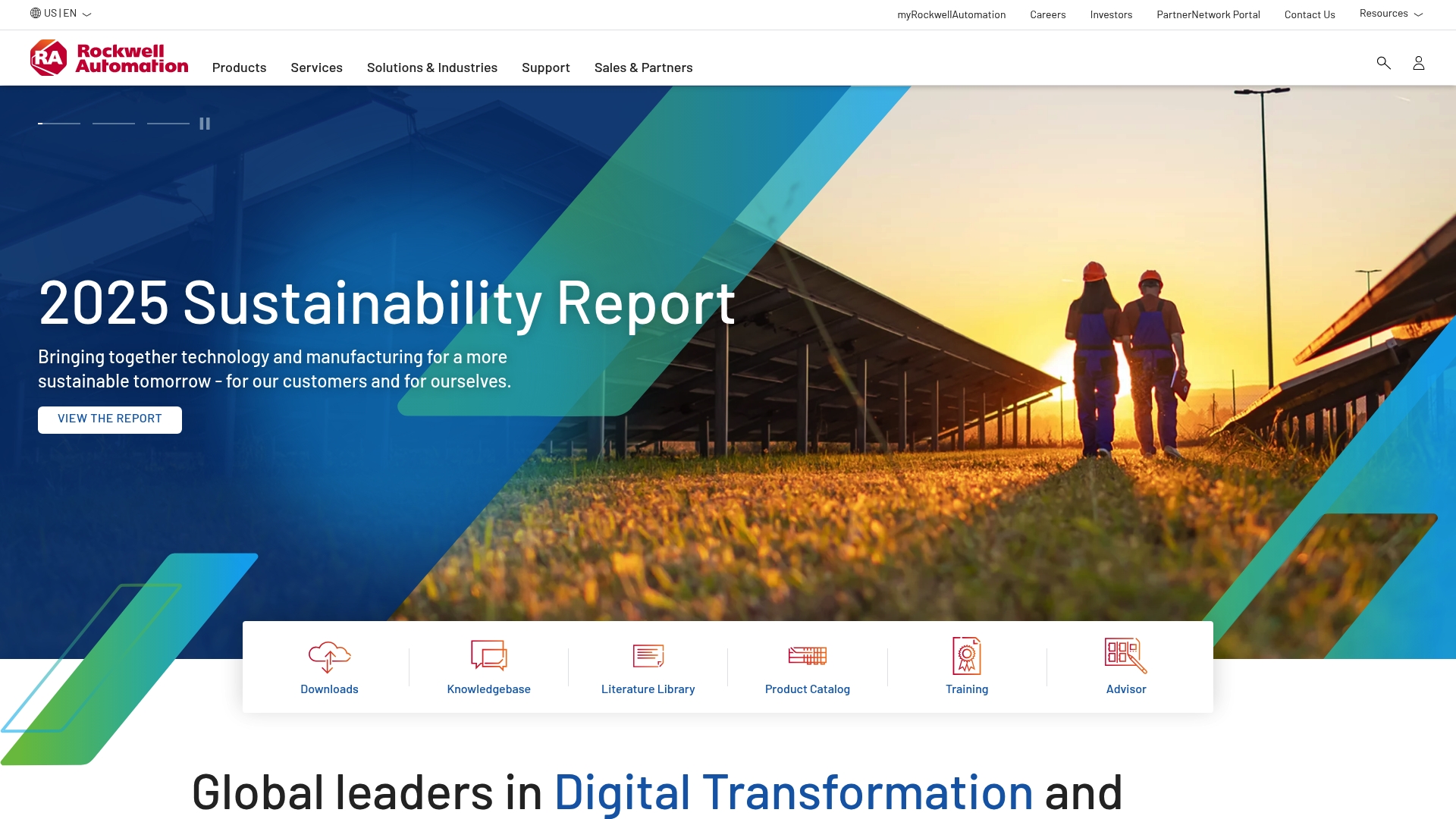
Rockwell Automation delivers a broad suite of industrial automation and information solutions with clear emphasis on regional relevance. The platform targets manufacturing leaders who need localised product selection and country specific guidance to improve productivity and safety.
Rockwell Automation provides global regional offerings that let organisations select products and solutions aligned to their country or territory. The site highlights localised content for different languages and a concentrated focus on industrial automation and information solutions for manufacturing environments.
Manufacturers, industrial engineers, automation specialists, and multinational companies seeking region aware automation solutions will find Rockwell Automation relevant. Production managers who require local language support and compliance alignment across plants will draw most value from its approach.
Rockwell Automation stands out for its combination of regionalised offerings and a comprehensive automation portfolio. That blend helps operations and engineering teams align controls and information solutions with local regulation, language, and service needs while supporting broader manufacturing objectives.
A manufacturing plant in Germany uses Rockwell Automation to select controllers and safety systems that meet European regulations and German language requirements. The plant configures solutions with localised support to reduce deployment time and to simplify operator training.
Pricing is not specified in the provided content. Organisations will need to contact Rockwell Automation sales or local regional offices to request quotes and obtain configuration specific pricing.
Website: https://rockwellautomation.com

AVEVA offers a broad industrial software portfolio that targets digital transformation, digital twin, cloud services and industrial IoT for energy, manufacturing and infrastructure sectors. The platform emphasises trusted data and sustainability while serving enterprise and multisite operations.
AVEVA centres on Digital Twin technology, Industrial IoT solutions and a Cloud platform and infrastructure to connect plant systems and enterprise data. The suite also includes Engineering and design software alongside operations control and automation tools.
Comprehensive suite spans engineering through operations which reduces the need for multiple vendors and simplifies integration across sites.
Strong sustainability focus helps organisations measure and manage energy and emissions against operational data.
Partnership with major technology vendors such as NVIDIA supports advanced analytics and visualisation at scale.
Global presence means support and deployment experience across diverse industrial sectors and geographies.
Public pricing not provided in the supplied data so total cost of ownership is unclear for mid sized buyers.
Limited granular pros and cons appear in the source material which restricts buyer visibility into product trade offs from this dataset.
Enterprise orientation suggests smaller manufacturers may find deployment and licensing heavier than lighter, purpose built MES alternatives.
Detail gaps in the source make it difficult to assess ease of configuration, typical implementation timelines and on prem versus cloud specifics.
AVEVA fits industrial companies pursuing digital transformation at scale, especially operators with multisite assets and in‑house engineering teams. It suits engineers, operations managers and strategic decision makers who need enterprise class data integrity and operational insight.
AVEVA combines trusted data with industrial domain tools to connect engineering and operations into a single information fabric. That integration supports cross functional decision making and operational transparency for large industrial estates.
Rio Tinto uses AVEVA’s data infrastructure to deliver real time insights across multisite operations which improves operational visibility and efficiency. This illustrates how AVEVA supports complex, geographically dispersed industrial environments.
Pricing information is not available in the provided dataset. Prospective buyers should contact AVEVA for tailored enterprise licensing and deployment options that reflect scale and integration needs.
Website: https://aveva.com
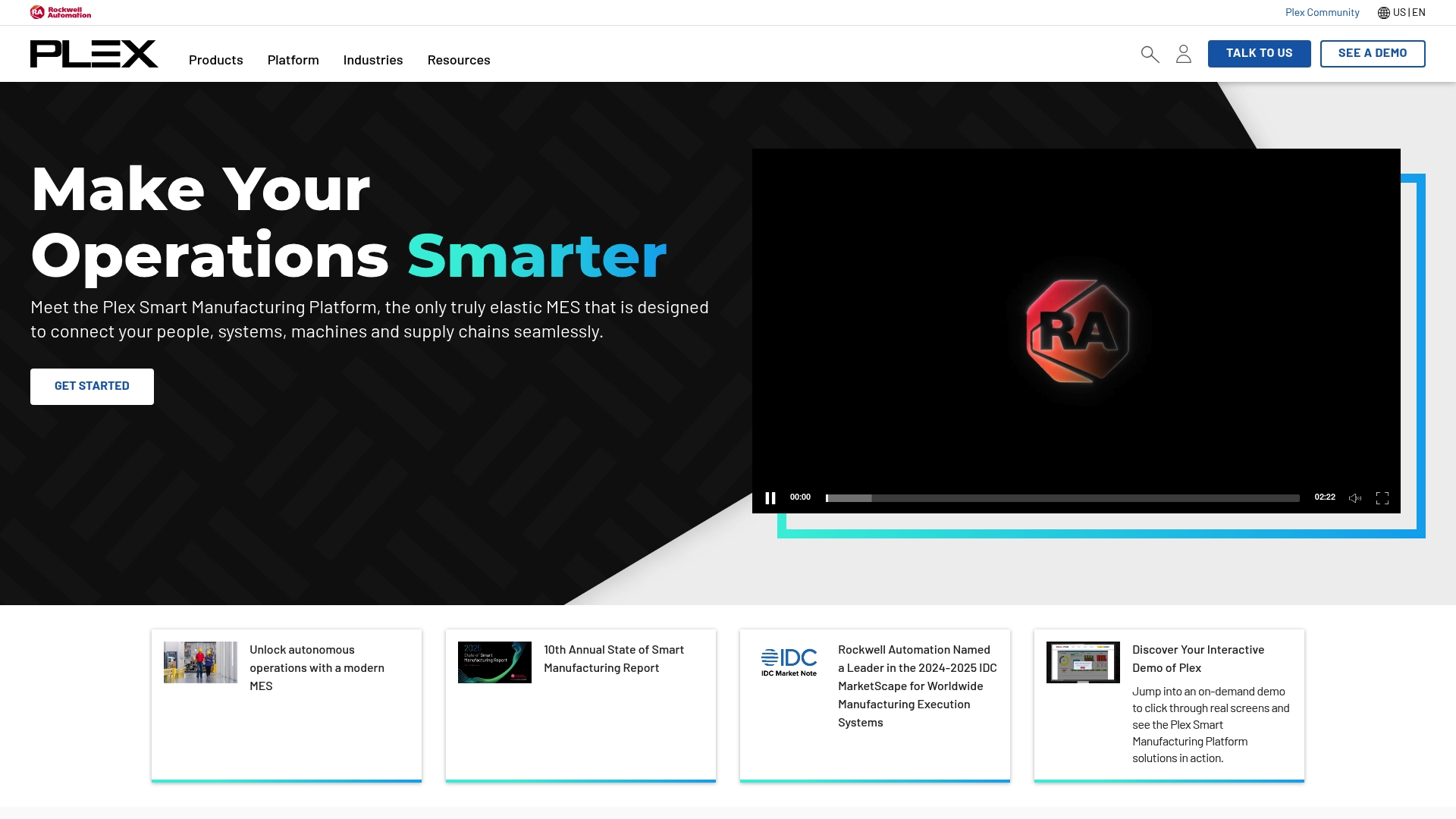
Plex is a cloud-based manufacturing platform that combines MES, QMS and ERP to give production teams real-time visibility and control. It is built to connect machines, people and supply chains so manufacturers can improve quality and operational performance.
The platform centres on a Manufacturing Execution System (MES) for paperless, real-time production management and a Quality Management System (QMS) for automated quality documentation. It also includes Enterprise Resource Planning (ERP) capabilities and Supply Chain Planning to align demand and inventory.
Plex targets mid to large-scale manufacturers seeking an integrated, scalable platform for manufacturing operations. If you run multiple plants, need consistent quality controls across sites or plan to digitise the shop floor, Plex matches those priorities. It is less suited to very small workshops that require minimal IT overhead.
Plex unifies production control, quality and enterprise planning within a single cloud platform, which reduces integration work and maintains a single source of truth for operations. The strength lies in real-time machine connectivity paired with compliance and quality workflows, creating a cohesive system for continuous operational improvement.
A manufacturing firm implements Plex MES to replace paper-based batch records and manual inspections. Production becomes paperless with live traceability, quality events are captured automatically, and supervisors monitor KPIs on dashboards. The result is improved production efficiency and immediate compliance reporting.
Plex provides pricing upon request through a sales consultation, typically tailored to the number of sites, users and modules required. Expect a consultation-led quote rather than off-the-shelf monthly tiers, which suits organisations with complex requirements but may slow initial procurement.
Website: https://plex.com
The table below provides an overview of key manufacturing software platforms discussed, helping readers compare their features, services, and suitability.
| Product | Specialization | Key Capabilities | Target Audience | Price Information |
|---|---|---|---|---|
| Mestric | Real-time analytics and MES | Machine connectivity, KPI tracking, QA monitoring, cost analysis | Mid to large manufacturers seeking operational insights | Pricing based on customized implementation |
| Meta Smart Factory | Modular Industry 4.0 solutions | MES, APS, WMS, AI integration, rapid proof of concept | Digital transformation teams with existing ERPs | Custom quoted pricing |
| MRPeasy | Cloud-based ERP tailored for SMBs | Inventory control, production planning, procurement, CRM | Small manufacturers growing beyond spreadsheets | From $49/user/month with tiered options |
| Katana | Inventory and production tracking with remote access | Real-time inventory visibility, order management, multi-location tracking | Mid-sized producers needing stock and workflow clarity | Starts at $299/month, tailored tiers |
| Rockwell Automation | Industrial automation with global tailoring | Regionalized production automation solutions, compliance alignment | Manufacturers seeking localized operational solutions | Contact for proposals; tailored to region |
| AVEVA | Large-scale digital transformation software | Digital Twin, industrial IoT, cloud connectivity, sustainability analytics | Enterprises with a focus on connected manufacturing | Enterprise-specific pricing upon inquiry |
| Plex | Integrated MES, QMS, and ERP | Cloud MES and QMS, supply chain connectivity | Large manufacturers seeking real-time operational control | Request consultation for tailored pricing |
Achieving operational excellence in manufacturing means overcoming challenges like managing downtime, reducing costs, and maintaining impeccable quality. This article highlights these critical pain points and the need for real-time performance tracking, quality monitoring, and seamless process optimisation. If you are striving to enhance production efficiency and gain deeper visibility into your operations, embracing a smart Manufacturing Execution System is key.
Mestric™ offers a user-friendly platform that directly connects to your machinery, delivering actionable KPIs such as utilisation rates, quality parameters, and cost analysis all in one place. Its AI-powered optimisation helps to identify bottlenecks before they impact output, ensuring you save costs and improve resource use.
Discover how Mestric™ can transform your production floor today with an onsite demonstration tailored to your needs. Don’t wait to unlock operational excellence. Visit Mestric™ now to learn more.
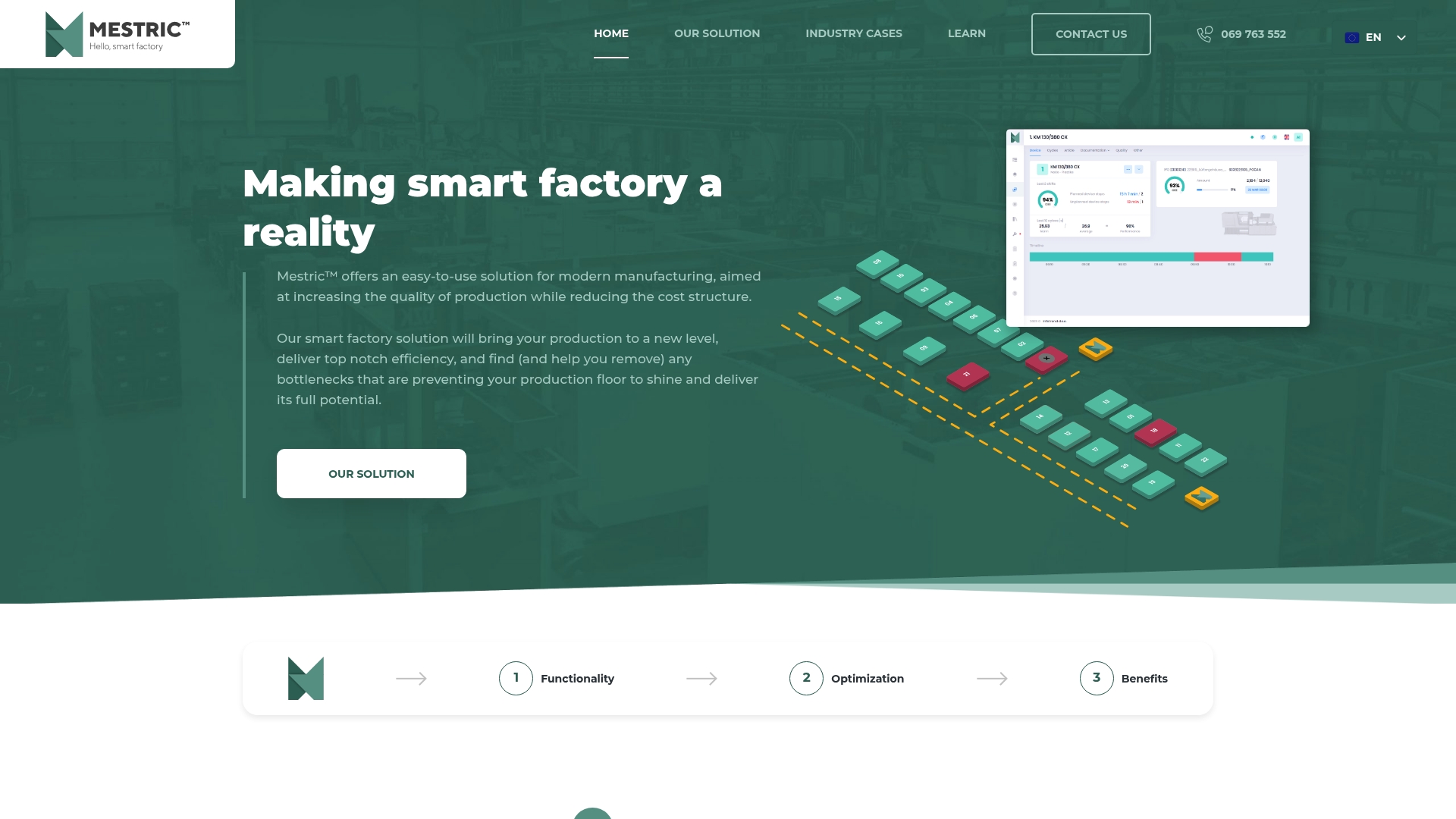
Explore the future of smart manufacturing by taking the next step with Mestric™. Experience how real-time data and AI enhancements can accelerate decision-making and reduce manual errors. Start your journey toward streamlined operations and measurable improvements at https://mestric.com.
Using manufacturing software can significantly enhance productivity and efficiency by providing real-time insights into operations. This enables manufacturers to track performance metrics, reduce manual errors, and streamline processes, potentially improving throughput by approximately 20% within a month.
Manufacturing software incorporates quality monitoring tools that allow for the recording of quality assurance parameters and immediate flags for deviations. Implement this feature to ensure rapid intervention in case of quality issues, leading to fewer defects and improving overall product quality.
When evaluating an MES, prioritise features like real-time performance tracking, integrated quality monitoring, and process optimisation tools. Ensure it connects directly with machinery to surface key performance indicators, which can streamline operations and help identify bottlenecks quickly.
To ensure a smooth implementation, create a detailed plan that includes timelines, dedicated resources, and training sessions for staff. Engaging in structured onboarding can reduce operational disruption and lead to quicker acceptance and efficiency gains.
Monitor metrics such as utilisation rates, downtime, quality compliance, and cost per product. Regularly reviewing these KPIs will identify trends and problems, allowing for prompt corrective actions to increase overall operational performance.
Many manufacturing software providers offer free trials or demo options to help you evaluate their systems before committing. Consider testing the software with basic operational tasks during the trial period to better understand its fit for your needs.


 069 763 552