


Coordinating real time production monitoring, quality assurance and ERP integration often forces manufacturers to juggle multiple disconnected systems across the shop floor. Most manufacturing execution systems either hide pricing until late-stage sales conversations or require bespoke middleware and costly integration to link machine data with business platforms. This comparison covers onsite demonstration options, AI modelling, deployment timelines and ERP compatibility so you can identify an MES that delivers the operational visibility and system alignment your plant actually needs.
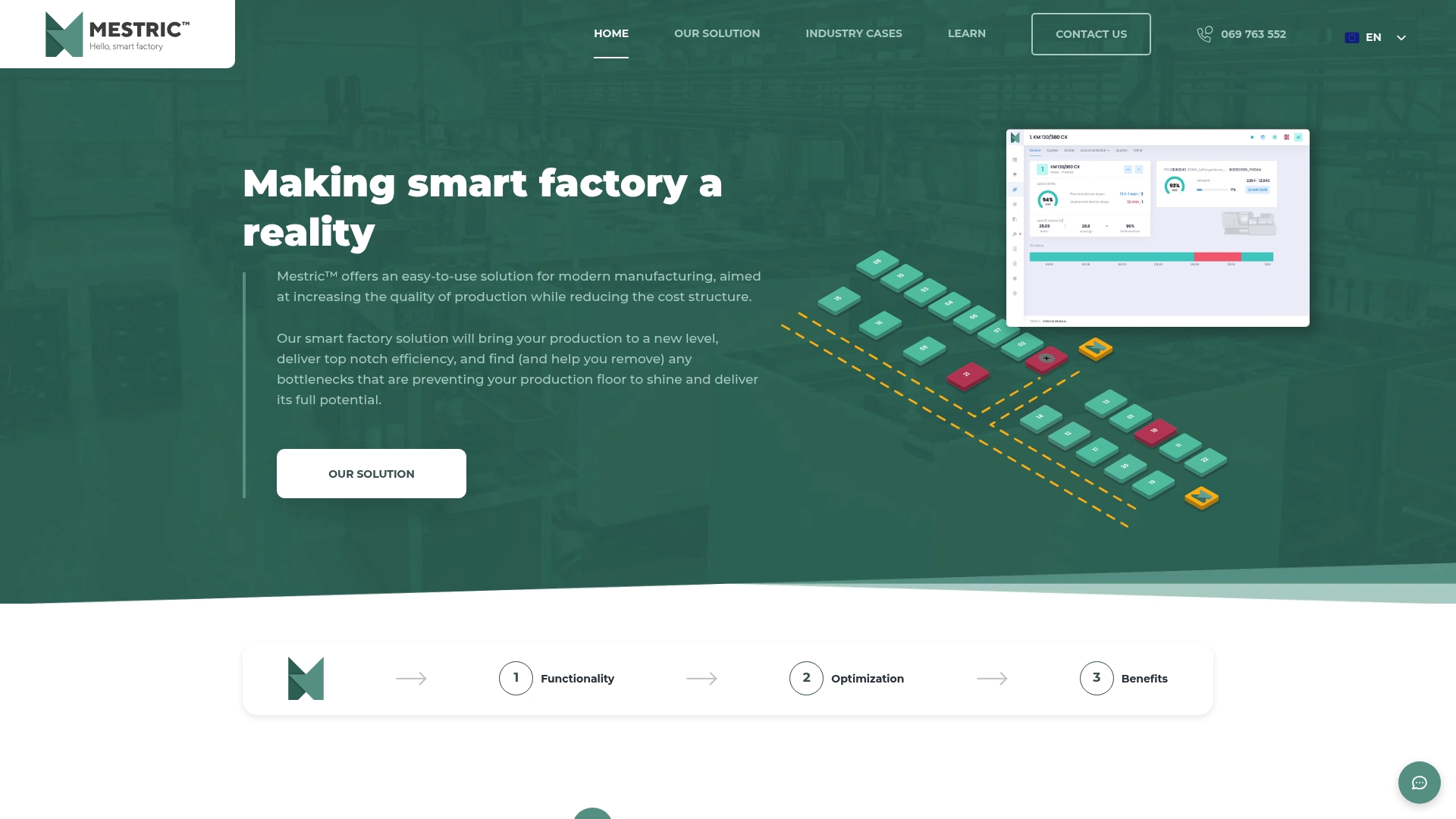
A live onsite demonstration that shows connected machinery in a production bay is part of Mestric’s sales approach, letting you see data flows and KPIs before purchase. The platform targets production quality, operational efficiency and cost reduction through real time data and AI analysis.
Mestric’s single strongest distinction is its emphasis on deep integration with existing plant systems combined with AI-driven predictive insights to proactively optimise manufacturing processes. That integration layer is built to pull machine telemetry, ERP data and quality records into one operational view.
Manufacturing managers and operations personnel in medium to large industrial plants who need a single source of truth for shopfloor KPIs. Mestric suits teams that run multiple shifts, have measurable scrap or downtime issues and plan to tie MES data back to ERP for costing.
Mestric offers onsite demonstrations that show connected machinery and real time KPIs in your actual environment. Seeing live data makes commercial discussions concrete, shortens pilot cycles and helps you quantify potential savings before signing a contract.
The vendor reports a production facility using Mestric reduced scrap rates by 15 percent after linking quality data to machine settings and scheduling predictive maintenance. That 15 percent figure illustrates how measurement plus automated alerts can turn guesses into planned interventions.
Mestric does not publish standard licence fees. Pricing is provided case by case and typically follows an evaluation and onsite demonstration so the vendor can scope integrations and scale. Expect vendor-provided proposals after a pilot or demo.
Website: https://mestric.com
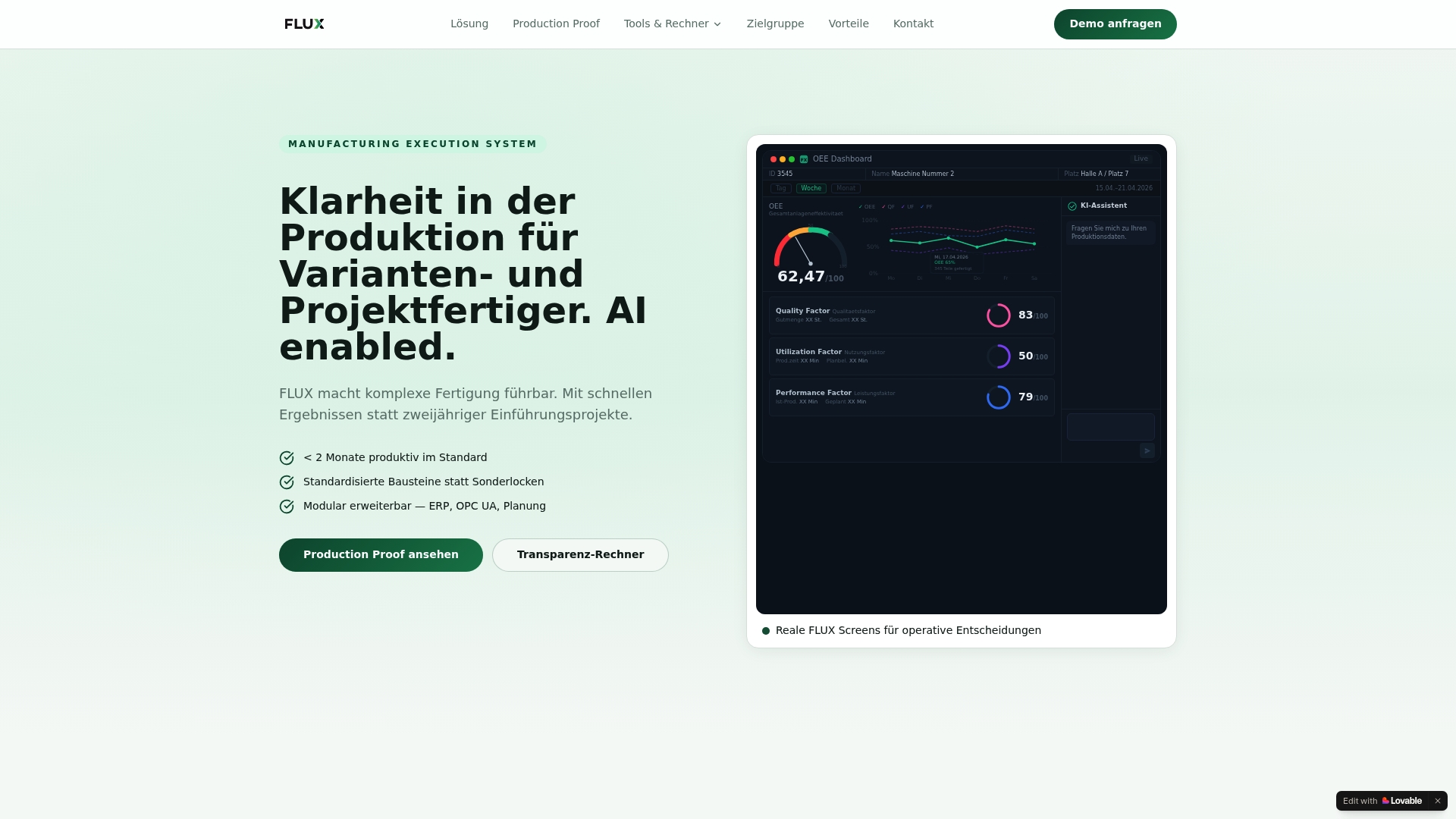
The vendor advertises deployment in under two months using standardised, modular components — a selling point for teams that need operational visibility fast. Flux MES targets medium-sized manufacturers working with complex variants and project-based production and emphasises AI-assisted workflow modelling.
Flux MES leans on a rapid, module-first deployment paired with natural language process capture. That combination aims to cut pilot time and handoffs: you sketch a process in plain language, Flux proposes a workflow and the system refines it with AI-assisted modelling.
If you operate continuous-process plants such as chemical or pharmaceutical lines, Flux MES will likely miss core requirements. Similarly, manufacturers without the ability to capture real-time process signals or without basic machine connectivity will face extra hardware and integration work before benefits appear.
Flux MES connects at machine level using OPC UA and MQTT, enabling direct telemetry and event ingestion from modern controllers and IIoT gateways. ERP connectivity is described as a modular expansion rather than an out-of-the-box connector.
Medium-sized firms running variant or project-based production that want a fast route to operational transparency. Best for teams that can supply machine data and want to involve production staff in process modelling rather than outsourcing every configuration step.
According to the vendor, a machinery manufacturer digitised and visualised an assembly line with Flux and achieved a 20% reduction in downtime and productivity gains within two months. That case illustrates the platform’s focus on short pilot cycles and measurable operational improvements.
Pricing is listed as informational only. The vendor does not publish fixed per-seat tiers in the product data; expect a modular licence or project-based quote aligned to modules, connections and rollout scope.
Website: https://flux-mes.de
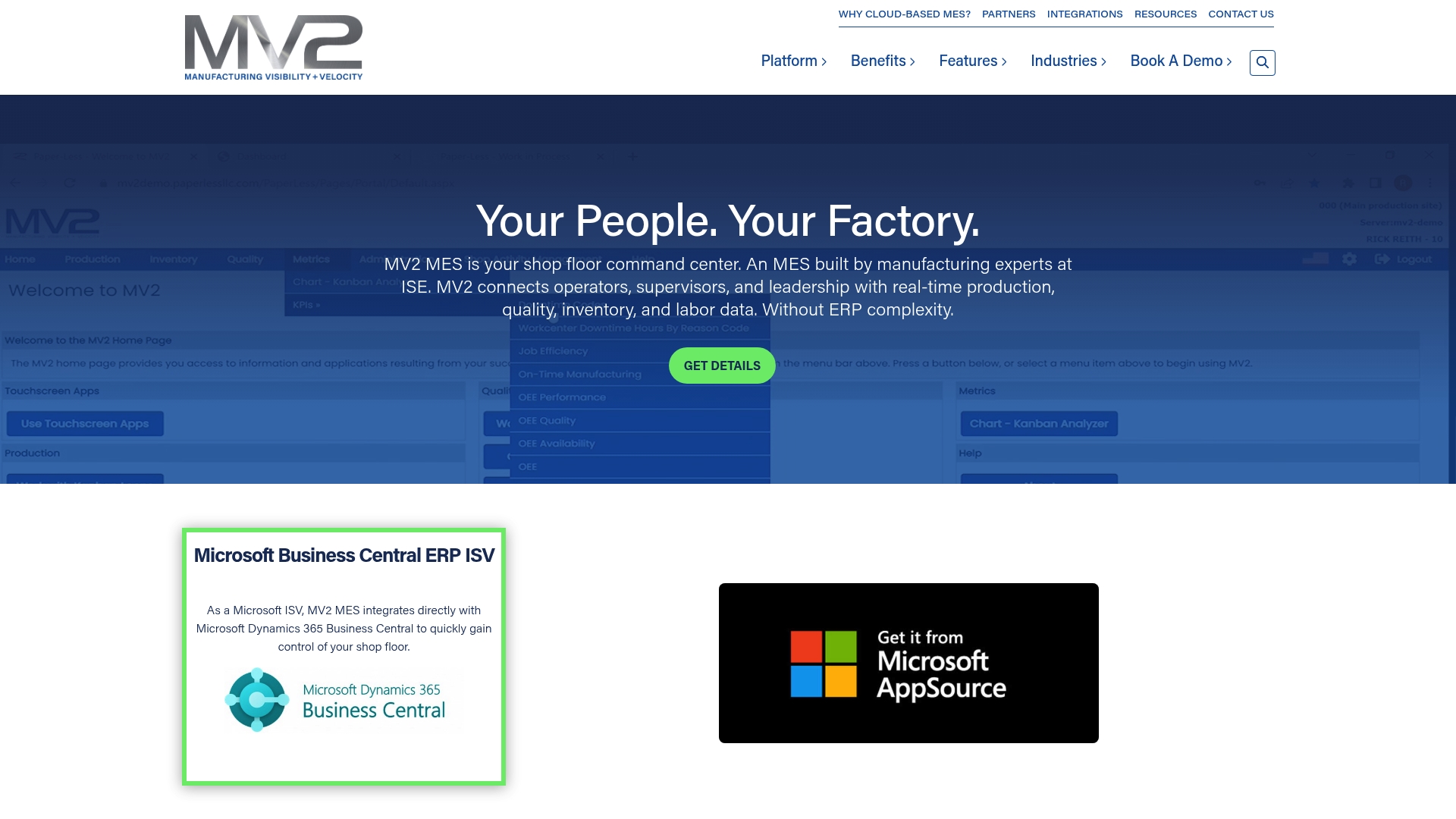
MV2 MES ships with a pre-built connector to Microsoft Dynamics 365 Business Central, allowing production, inventory and quality records to flow without bespoke ERP middleware. The vendor positions the product for manufacturers who want shop floor visibility paired directly with their Microsoft ERP.
Real-time production tracking for job status, cycle times and downtime that you can monitor from the office or the shop floor.
Inventory management with serial number tracking and stock movements tied back to ERP transactions.
Machine data integration plus predictive maintenance alerts, digital Kanban workflows and attendance and labour management for traceability.
The vendor emphasises the pre-built integration with Microsoft Dynamics 365 Business Central as the primary differentiator. That connector is designed to reduce the configuration work typically required when linking an MES to ERP and to use familiar Business Central workflows for inventory and costing.
Deep ERP alignment. The close tie to Microsoft Dynamics 365 Business Central speeds deployment where that ERP is already in use and reduces duplicate data entry.
Clear shop floor visibility. Real-time job tracking and quality control features help production managers detect deviation sooner and act on live metrics.
Cloud delivery. The cloud approach gives remote access for supervisors and easier patching compared with on-prem only solutions.
Industry versatility. Feature set covers batch, discrete and mixed mode environments, so it is applicable across different manufacturing types.
Emphasis on automation and data accuracy reduces manual reconciliation between systems.
Pricing details are not published, which makes total cost estimation difficult before a vendor conversation.
As a specialist MES there is an implementation overhead; projects will typically need configuration, integration effort and staff training to reach peak value.
The vendor documentation is the main source for claims; independent third-party reviews are not provided in the product materials.
Integrating with non-Microsoft ERP platforms or older legacy controllers may require additional custom work.
If your ERP is not Microsoft Dynamics 365 Business Central, the pre-built connector is less relevant and integration costs may rise. Small workshops with minimal IT support may find the initial setup and change management heavier than they want to take on.
Manufacturing operations managers and factory IT staff who already run or plan to adopt Microsoft Dynamics 365 Business Central and want production, inventory and quality data to match ERP records in near real time.
A mid-sized automotive parts manufacturer links MV2 MES to their existing Microsoft ERP to tighten production scheduling, monitor quality metrics live and lower scrap rates. The MES feeds shop floor events back to Business Central for costing and traceability.
Pricing is not published on the website; the vendor treats the site as informational only. Expect licence and implementation fees provided via direct quotation and scoped during a discovery phase.
Website: https://mv2software.com
When selecting an MES, it’s vital to consider unique capabilities, integration options, and deployment approaches to ensure alignment with operational goals. Below is an analysis comparing Mestric with Flux MES and MV2 MES to highlight key differences.
Mestric excels in providing a deeply integrated solution tailored to each manufacturing environment. By incorporating ERP and MES systems into unified workflows, it offers superior visibility and functionality for diverse production processes. In contrast, Flux MES delivers rapid deployment using modular configurations suited to project and variant-based production, significantly reducing initial implementation complexity. MV2 MES, with its intrinsic integration to Microsoft Dynamics 365 Business Central, provides efficient ERP connectivity but is less adaptable to non-Microsoft environments.
Mestric’s emphasis on AI-driven predictive maintenance enables proactive interventions that mitigate operational disruptions by identifying potential failures in advance. Flux MES, while also employing AI, focuses on workflow creation through natural language, enabling greater flexibility in capturing procedural knowledge. Conversely, MV2 MES offers predictive maintenance features but primarily centres on inventory and traceability tied to ERP systems, making it particularly effective in tightly controlled manufacturing setups.
Mestric stands out for manufacturers seeking a well-integrated MES offering predictive analytics tailored to their processes. Its advanced integration capabilities and AI-driven insights provide unique value, especially for mid-to-large enterprises. However, firms prioritising rapid deployment or preferring pre-established ERP connectivity may find Flux MES or MV2 MES better aligned with their specific operational needs.
Comparing solutions reveals variations in integration capabilities, feature sets, and target industries, assisting you in selecting the right platform.
| Product Name | Key Differentiator | Best For | Pricing | Notable Limitation |
|---|---|---|---|---|
| Mestric | Deep integration with existing plant systems and AI-driven insights | Medium to large industrial plants with advanced ERP/MES needs | Not disclosed | Limited pricing transparency pre-evaluation |
| Flux MES | Rapid modular deployment with natural language workflow generation | Medium-sized manufacturers in variant/project production | Not disclosed | Limited fit for continuous high-volume process industries |
| MV2 MES | Pre-built integration with Microsoft Dynamics 365 Business Central | Operations using or adopting Microsoft Dynamics ERP | Not disclosed | High setup effort for non-Microsoft ERP systems |
Manufacturing teams seeking robust bzk.si alternatives will find Mestric offers clear solutions to common challenges such as limited real-time KPI visibility, manual data errors, and costly downtime. Mestric focuses on providing live performance monitoring and AI-driven insights, helping you take control over quality and efficiency without guesswork.
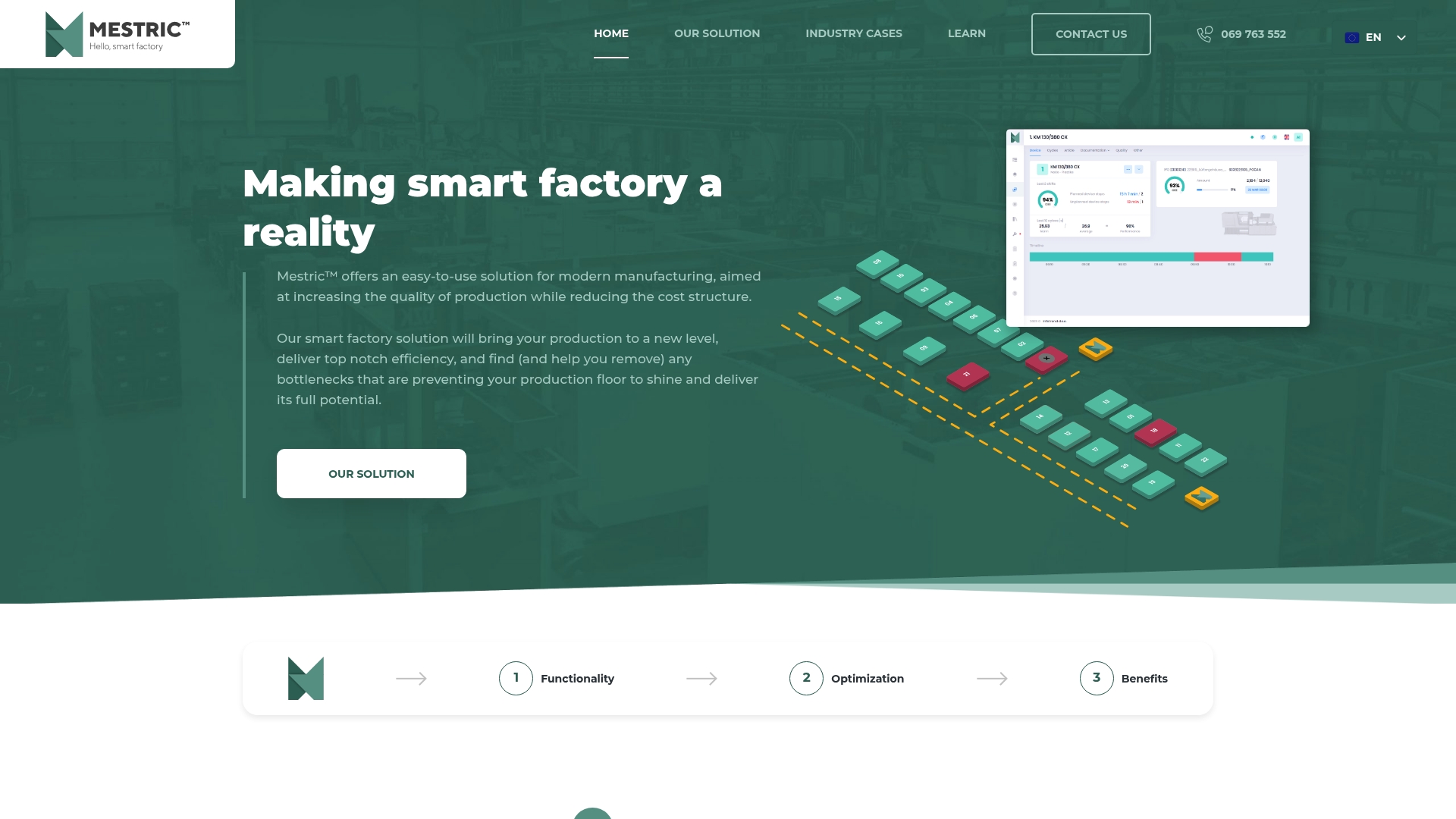
Experience how Mestric’s easy integration with existing machinery simplifies data flows and accelerates problem detection. Visit Mestric’s homepage to arrange an onsite demonstration and see your production metrics come to life. Take the next step in reducing scrap and downtime by booking a personalised demo that lets you view real-time KPIs directly in your manufacturing environment.
Mestric captures and displays real-time performance metrics directly from machinery, allowing manufacturers to track key performance indicators such as downtime and cycle time. This feature supports immediate visibility of shop floor operations, helping managers address issues as they arise. Implementing Mestric can significantly enhance operational efficiency by facilitating quick decision-making.
Flux MES allows for rapid deployment in under two months using standardised modules, making it suitable for teams that need operational visibility quickly. In contrast, Mestric requires a more tailored integration process, which may extend the timeline depending on the complexity of existing systems. Businesses should consider their urgency for implementation when choosing between the two.
Mestric is primarily designed for medium to large industrial plants needing detailed visibility into shop floor KPIs, involving multiple shifts and tracking scrap or downtime. For continuous-process environments, such as chemical or pharmaceutical lines, Mestric’s focus may not fully align with specific operational requirements. Evaluate your plant type to determine Mestric’s suitability.
Mestric integrates well with existing ERP and MES systems to keep production data and business records aligned, reducing the need for significant adjustments to collect historical data. This integration feature ensures that current operational practices can transition smoothly without rebuilding tracking mechanisms from the ground up. Consider how this will impact your integration strategy when looking at Mestric.
Mestric does not publish standard licensing fees as costs are tailored on a case-by-case basis following an evaluation and onsite demonstration. This approach allows Mestric to provide pricing aligned with specific needs but may require initial discussions to obtain a budget estimate. Prepare for this preliminary engagement to accurately gauge overall costs before making a decision.


 069 763 552