


Spremljanje nedokončane proizvodnje, in MES terms, means tracking every job or lot’s status, quantity and location on the shop floor as it happens, not after the shift ends. An MES built on the ISA‑95 information model turns raw machine and operator signals into live work‑in‑progress data, so you spot bottlenecks while they’re still forming. The payoff is faster rescheduling, accurate order visibility, and far fewer manual counting errors. Some MES solutions apply this model to connected equipment.
TL;DR:
- Monitoring work-in-progress with an MES enables real-time identification of bottlenecks and reduces manual counting errors during production shifts.
- Standardized information models, like OPC UA and ISA-95, facilitate scalable integration across heterogeneous equipment fleets, minimizing customization costs.
- A phased rollout of WIP monitoring, starting with a pilot line, helps catch instrumentation issues early and ensures KPIs are properly aligned before wider deployment.
- Success is measured by reductions in WIP levels, cycle time improvements, and increased equipment effectiveness after pilot implementation.
- MES platforms provide live KPI dashboards that react instantly to production changes, unlike spreadsheets or whiteboards that only record historical data.
Not every number deserves a place on your dashboard. The ones that drive a decision do.
Work‑in‑process data ranks among the highest‑priority informational needs for any MES, alongside overall equipment effectiveness and full traceability, according to academic research on MES informational matrices. A simple traffic‑light colour scheme (green for on‑pace, amber for at‑risk, red for stalled) keeps a dashboard readable at a glance during a shift‑start review.
Pro Tip: Design each dashboard panel to answer one question a supervisor actually asks, such as “which station will run out of work next,” rather than displaying every metric you can capture.
Integration effort, not software licensing, is usually what kills a WIP monitoring project’s budget. Standardised information models fix that by giving every machine and every MES module a shared vocabulary for describing a job.
OPC UA decouples how data gets collected from how it gets used, meaning one acquisition layer can serve multiple analytics and dashboard tools without custom rewiring. Academic work on cyber‑physical production systems recommends OPC UA and MQTT as interoperable technologies precisely because they scale across heterogeneous equipment fleets. ISA‑95 Part 4 adds the other half: standard job and order object models that define exactly what attributes a work record should carry between Level 3 systems.
A phased rollout beats a big‑bang deployment nearly every time, mostly because it lets you catch instrumentation problems on one line before they multiply across ten.
The most common pitfall is skipping operator workflow design. Practitioner insight from the same MES research cited earlier stresses that projects fail more often from ignored operator habits than from any technology gap. Get the confirmation step wrong and operators will route around it, quietly breaking your data.
Pro Tip: Run the pilot for a full production cycle, including a slow day and a rush day, before judging whether the KPIs and alert thresholds are set correctly.
Go‑live isn’t the finish line. It’s the point where you start comparing what actually changed against what you predicted.
Review the pilot weekly for the first month, then move to a monthly cadence once the numbers stabilise. Tie every improvement back to a concrete driver: fewer expedited orders, shorter changeover waits, or fewer quality holds discovered too late in the routing. That link between the dashboard and a real cost or time saving is what justifies expanding beyond the pilot line, and it’s a case worth building with your own real-time production tracking data rather than a general estimate.

Spreadsheets and whiteboards can log what happened. They can’t tell you what’s happening right now, which is the entire point of WIP monitoring. An MES exists specifically to close that gap, turning PLC signals, barcode scans and operator confirmations into a live picture a supervisor can act on mid‑shift rather than review after the fact.
The real value isn’t the data feed itself, it’s what a manager does with it: catching a stalled station before it delays three downstream jobs, or spotting a quality flag before an entire lot ships defective. That’s the standard worth measuring any MES against, including case studies and internal benchmarks as you build them out for your own plant.
— Andraž
You don’t need a year‑long integration project to get real‑time visibility into work‑in‑progress. Some MES platforms connect directly to existing equipment and provide production managers live KPI dashboards without the custom‑built middleware that traditional MES rollouts usually demand.
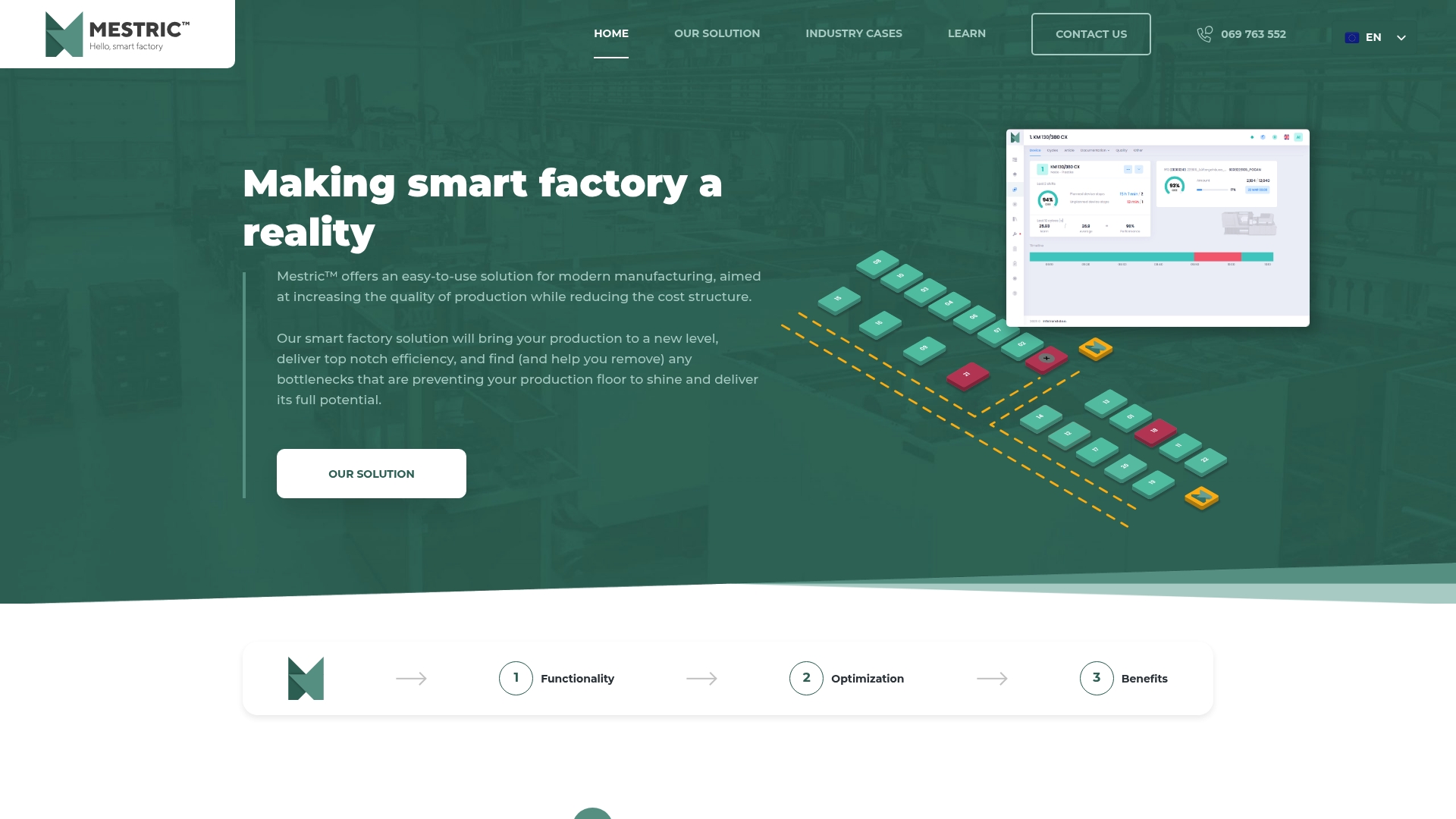
Start with one pilot line, the same approach outlined in the phased checklist above, and validate the KPIs that matter to your plant before expanding further. Visit the Mestric™ MES solution page to see how the platform handles job routing, status tracking and alerting, and to arrange a walkthrough on a real production environment rather than a slide deck.
No. You can start with PLC tags, barcode scans and operator confirmations feeding directly into the MES. OPC UA becomes valuable once you’re scaling across multiple lines, because it lets you reuse the same information model instead of building custom integrations for each new machine.
It depends on the decision the data supports. Event‑driven updates (triggered the instant a machine changes state) suit bottleneck alerts, while periodic reads every few minutes are often fine for completion‑percentage reporting.
Yes, though identification is the harder problem in HMLV environments. A hybrid of operator‑assisted scanning at cell boundaries and selective RFID tagging for high‑value lots, as research on HMLV asset identification recommends, balances cost against traceability.
A single pilot line usually runs through instrumentation, configuration and validation across one full production cycle, including a slow day and a busy day, before results are trustworthy enough to expand. Exact timelines vary with how much existing equipment already has PLC connectivity.
Pricing isn’t published; Mestric™ offers a demonstration on the solution page where you can discuss pilot scope and current terms directly.


 069 763 552