

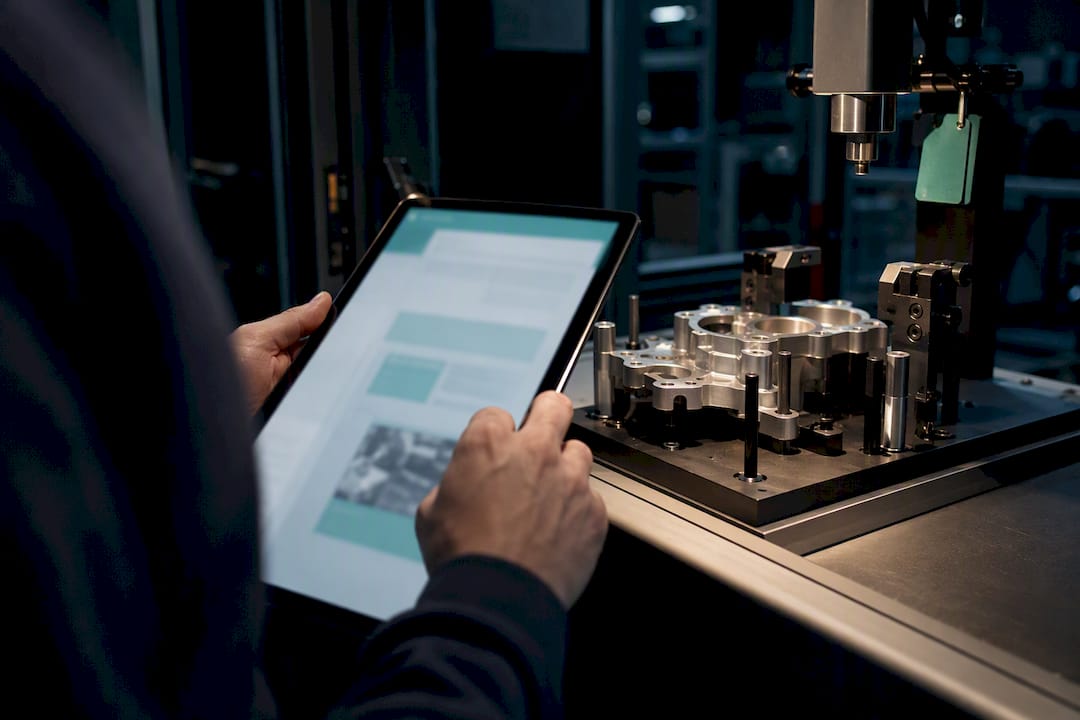
Digitalna delovna navodila, or digital work instructions, replace paper SOPs with step-based, multimedia-enabled guides delivered directly at the workstation. The single biggest gain is first-time quality: operators follow the current version, in the right format, with video or images clarifying steps that text alone gets wrong. This guide covers how to implement, measure, and scale digital work instructions across a plant, with the checkpoints Mestric™ uses in real deployments.
TL;DR:
- Digital work instructions ensure operators always follow the latest revision, reducing errors from outdated paper documents.
- Linking instructions to quality checks and analytics enables early defect detection and shifts focus from reactive to proactive quality management.
- Effective tools must support easy authoring, version control, offline use, and integration with MES/ERP systems to ensure adoption and scalability.
- Pilots should focus on high-error, complex processes with quick content capture and clear success metrics to prove value before full deployment.
- Proper process correction before digitization is essential, as most failures occur when teams convert flawed procedures rather than fixing them first.
Paper instructions age badly. A revision goes out, someone forgets to swap the binder on line 3, and an operator builds twenty units to the old spec. Digital work instructions solve that by updating everywhere at once, and the operational payoff shows up in three places.
Real-time updates mean every workstation runs the current revision the moment it’s approved, which reduces mistakes, speeds training and improves production quality. New starters reach competency faster because video demonstrations show the motion, not just describe it. Quality teams catch drift earlier because the instruction and the quality check live in the same interface.
Pro Tip: Track “time to competency” for new operators before and after digitising a process. It’s one of the fastest ways to prove the business case to a plant manager who hasn’t seen the system in action yet.
Digital instructions that link to quality checks and analytics create a feedback loop that catches defects earlier rather than after a batch has already shipped. That shift, from reactive inspection to proactive detection, is where most of the quality improvement actually happens.
Vendors will show you a slick interface. What you need to check is whether the platform handles the boring parts well, because that’s where adoption succeeds or fails.
Authoring should let a subject-matter expert record a phone video and turn it into structured steps, not force someone to build slides from scratch. Look for the ability to mix short video clips, still images, and text within a single step, since digital instructions pull information from multiple sources into one standardised view that operators can act on without guesswork.
Quality tools in this space are generally easy to use, scalable, visual, and secure, with version control and mobile access as baseline requirements rather than premium extras. If a vendor can’t demonstrate version history and an approval chain, treat that as a gap, not a minor limitation.
Rolling out digital work instructions plant-wide on day one is how projects stall. Start narrow, prove the model, then expand.
Pro Tip: Keep your pilot to one or two processes and four to six weeks. Longer pilots tend to lose momentum before they produce a clean before-and-after comparison.
Iterate on feedback weekly during the pilot phase. Operators will flag confusing steps within days, not months, and fixing them quickly is what earns their trust in the system.
AI and IoT get oversold in this space, so it’s worth separating what actually works from what’s still marketing.
AI can turn a recorded video or an existing SOP into a draft set of step-by-step instructions in minutes rather than hours. That’s a genuine time saving for authoring. But AI-generated drafts still need human review before publication, particularly for safety-critical steps or torque and tolerance values where an AI misreading a video frame could introduce a real error.
AR and 3D models earn their cost mainly on complex assemblies where spatial guidance genuinely helps, while accessibility and scalability remain the real gating factors for wider rollout. Mestric’s own work on AI’s role in manufacturing efficiency covers how these tools extend into broader process optimisation.
Pick a small set of metrics before you launch, not after, or you’ll have no baseline to compare against.
Track first-time yield, error rate per shift, average training time for new operators, and unplanned downtime linked to procedural mistakes. Capture each of these for two to four weeks before go-live so your pilot has a genuine baseline rather than a guess.
A simple ROI framework works well here: estimate hours saved in training and rework, multiply by loaded labour cost, and compare against your subscription and rollout cost. Most manufacturers structuring a pilot this way see payback within a few months once digitised processes are properly embedded into daily work, because real-time updates and improved accessibility directly reduce the rework that eats into margin. Keep the sample size realistic. A pilot covering one line over a month tells you far more than a single week on three lines.
Good digital instructions are written the way a competent operator would explain the task out loud, not the way a compliance document reads.
Pro Tip: Cap each step at one screen and under fifteen seconds of video. If an operator has to scroll or rewatch, the step is too long.
Digital work instructions work best when they’re not an island. Mestric™ is built as a Manufacturing Execution System, which means instructions, real-time performance tracking, and quality monitoring sit in the same platform rather than three disconnected tools.
Pilots on MES platforms typically include demos, onsite presentations with connected machinery in real environments, and a defined set of KPIs to track. Case studies and named customer results for specific sectors are usually available on request, as pilot outcomes vary by industry and baseline maturity.
Moving instructions off paper introduces a genuinely new risk surface, and it’s worth taking seriously before rollout rather than after an incident.
Access control matters most on the shop floor itself. Not every operator needs edit rights, and not every supervisor needs to see cost data tied to a work order. Role-based permissions, tied to the same author-review-publish workflow used for version control, keep this manageable without slowing anyone down.
Offline devices deserve specific attention. A tablet that caches instructions for use without Wi-Fi is convenient, but it also means cached data sits on a device that could be lost or accessed outside the network. Encrypting local storage and forcing periodic re-authentication closes most of that gap.
Integration with MES and ERP systems raises a different question: what data actually needs to flow between systems. Instruction content, quality results, and machine signals often don’t need the same access permissions, so treat them separately rather than opening one broad connection between platforms. Audit trails help here too, since a timestamped log of who viewed, edited, or approved a step doubles as both a compliance record and a security control.
None of this needs to be complicated. A clear roles matrix, encrypted offline caching, and scoped system integrations cover most of the real risk without adding friction operators will resist.

Most failed rollouts don’t fail on technology. They fail because a team digitises a broken process instead of fixing it first, then wonders why the digital version is just as confusing as the paper one was.

Fix the process, then digitise it, unless the paper instructions are already solid and the goal is purely format and accessibility. Balance quick wins, a single painful process converted fast, against the integration work needed to connect instructions to MES data, because that connection is where the compounding value actually lives.
My practical advice: run a measurable pilot, publish the results internally even if they’re mixed, and let that evidence make the case for scaling rather than a slide deck.
— Andraž
Some platforms offer digital work instructions connected to real production data rather than as standalone document tools. These systems can tie instruction steps to live KPI dashboards, equipment connectivity, and quality analytics, allowing supervisors to see instructions alongside related downtime or defect data in one place.
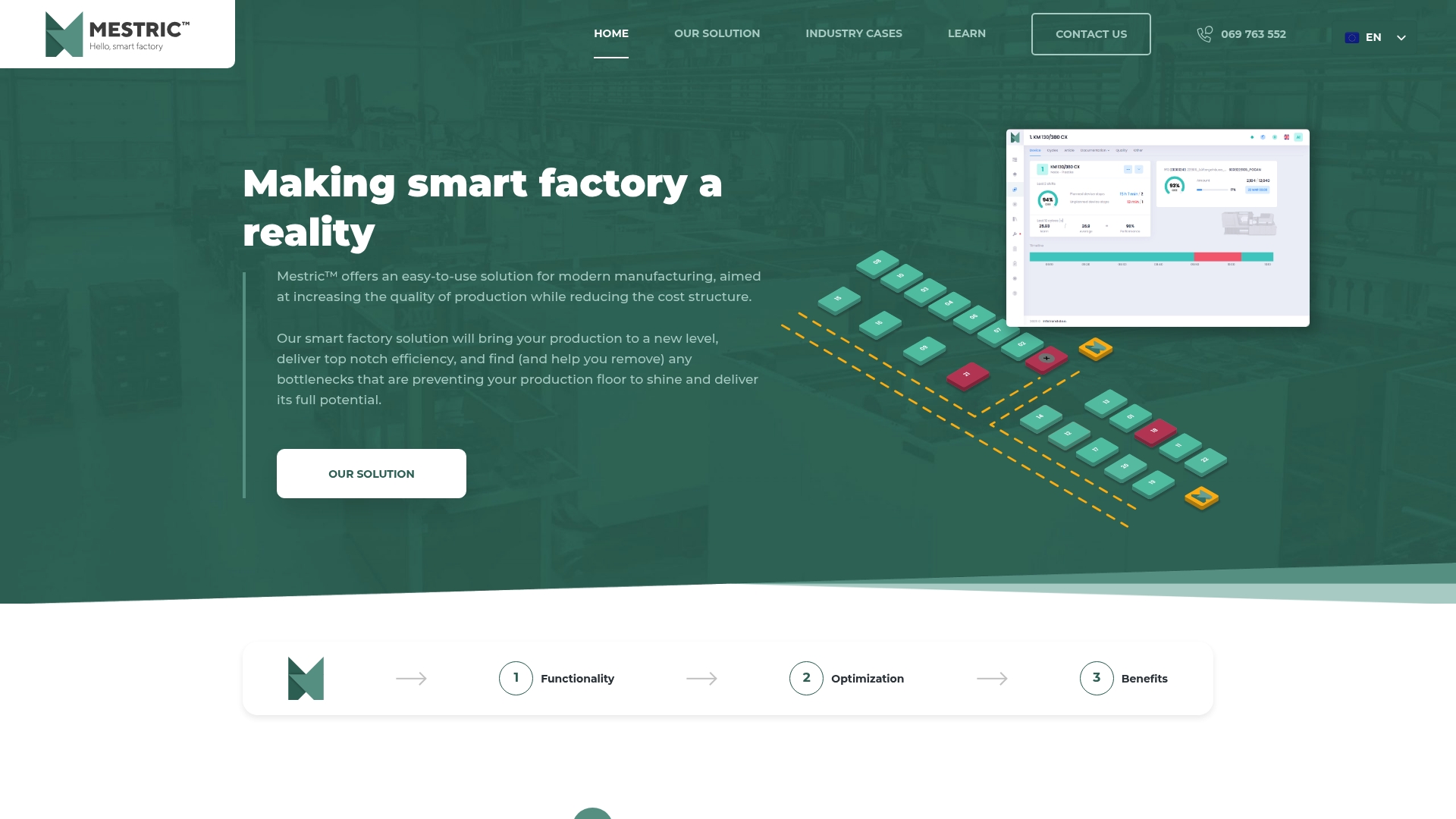
A demo typically includes an onsite presentation showing connected machinery in a working production environment, alongside sample KPIs such as first-time yield and downtime you’d expect to track during a pilot. Pilot outcomes vary by plant and process maturity, so treat the demo as a chance to see the mechanics firsthand rather than a guaranteed result. If you’re ready to test digital work instructions against your own line data, explore the Mestric™ MES solution and request a demo to walk through what a pilot would look like on your floor.
Digital work instructions are step-based, multimedia guides delivered electronically at the point of work, replacing paper SOPs with content that can include video, images, and real-time updates. They’re typically embedded directly into the work order so the correct procedure reaches the operator automatically.
They reduce errors mainly by ensuring every operator sees the current, approved version rather than an outdated paper copy, and by using video or images to clarify steps text alone gets wrong. Real-time updates and improved accessibility are the two mechanisms most directly tied to fewer mistakes.
AI can draft step-by-step instructions from a recorded video or an existing SOP, saving significant authoring time, but human review is still needed before publication. Treat AI as a drafting assistant rather than an automatic publisher, particularly for safety-critical steps.
Integration isn’t mandatory to get started, but it’s where the larger value shows up, since linking instructions to production and quality data closes the loop between what an operator does and what the plant measures. Platforms like Mestric™ are built specifically to combine instruction delivery with real-time performance tracking and equipment connectivity in one system.
Mestric™ does not publish a fixed price for its MES platform; current pricing is available on request directly through the Mestric™ website. Most manufacturers start with a demo and onsite presentation before scoping pilot costs against their specific production environment.


 069 763 552